E-Jet Series (Early Access)

20

Explore the world.

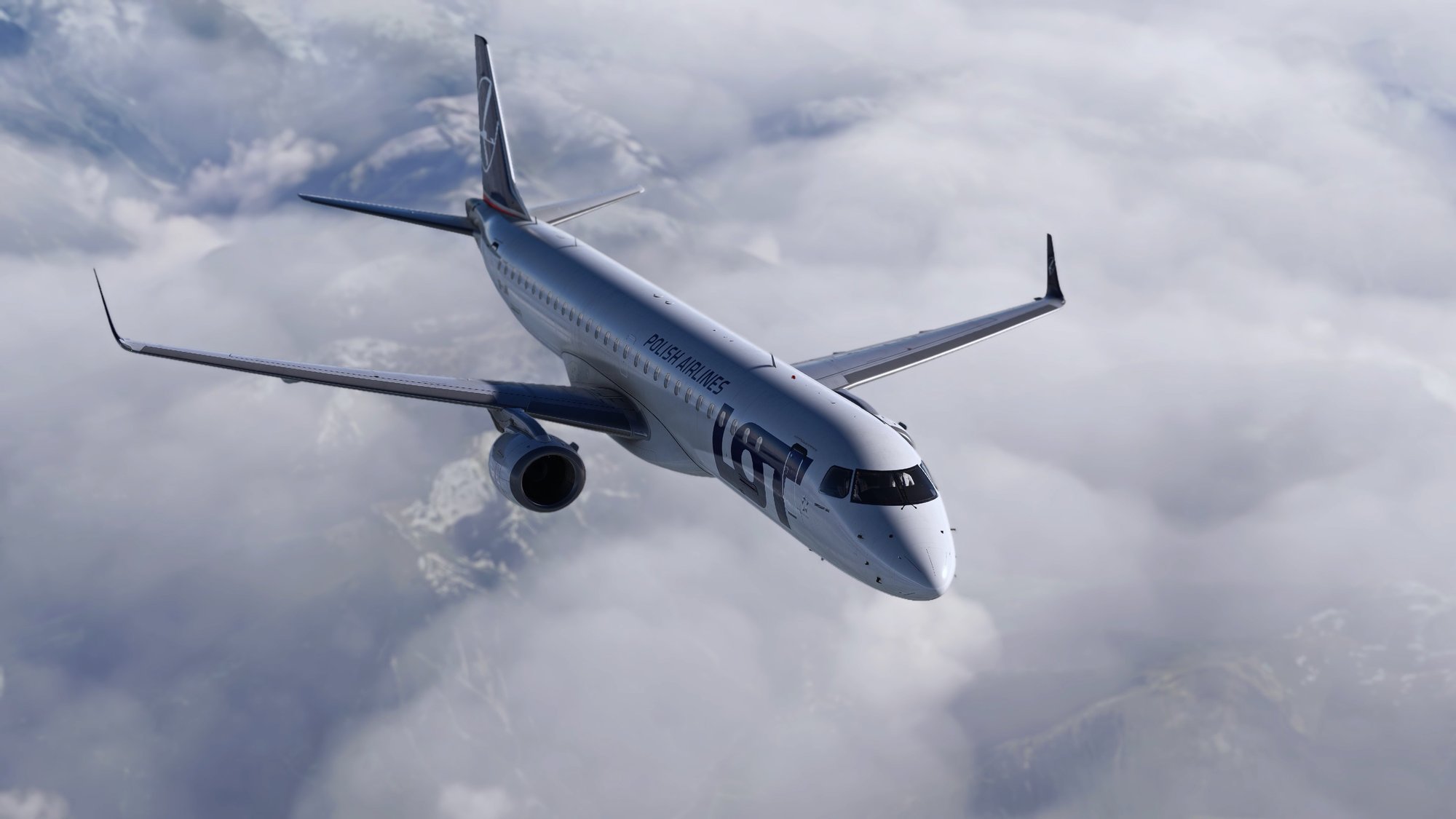
We are developing the E-Jets Series for Microsoft Flight Simulator, which are separated in two standalone packages: E170/175 and E190/195. They are still in early access and receive continuous free updates.

All aircraft already offer many custom systems, high resolution and accurate avionics, an FMS with an authentic interface, immersive sounds, and the 3D assets and animations are already finished and of top-level quality. Please see below for a complete description of all currently implemented systems.

At this Early Access phase there will still be bugs and missing features, as with any newly released software, but you will already be able to do full flights and enjoy the products. These bugs will be fixed continuously and free of charge. Please read the full product description carefully to understand what is already included.

For more details about our progress please check out our documentation as well as our roadmap.

Get the E-Jets

Available at Aerosoft and Contrail — choose your variant.

E170/175

E190/195

E190/195 Freighter

Early Access — What We Stand For

Many of you have been following our E-Jets for a long time, and we appreciate the continued feedback and patience. Our priority is to release updates that are stable, meaningful, and supportable — not simply to publish something quickly for the sake of showing movement.

The E-Jets are in Early Access: you can already fly complete routes today, while we continue building the custom FMS and autopilot that will define the aircraft long-term. If you expect a finished study-level product today, we recommend waiting. If you want to be part of that journey, you are welcome.

visuals

Stunning Visuals

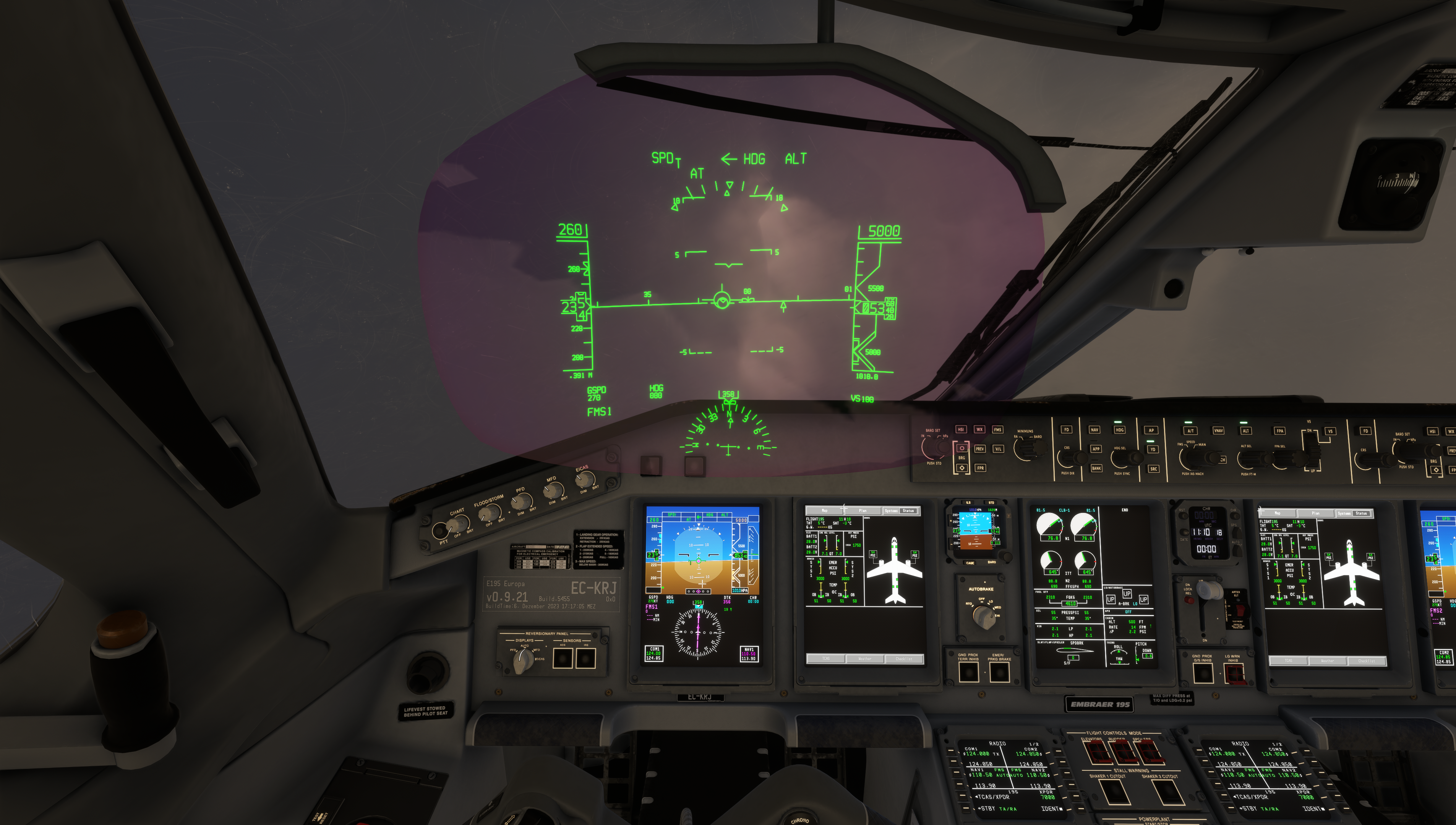
An incredibly detailed 3D model and high-resolution textures.

checklist

As Real As It Gets

Custom aircraft systems, feature-rich EFB, MCDU (based on native MSFS)

boxes

Great Behavior

Flight dynamics created by a real world pilot aligned on charts.

sound

Immersive Sound

A true to life sound environment including cabin and ambient sounds

icon-liveries

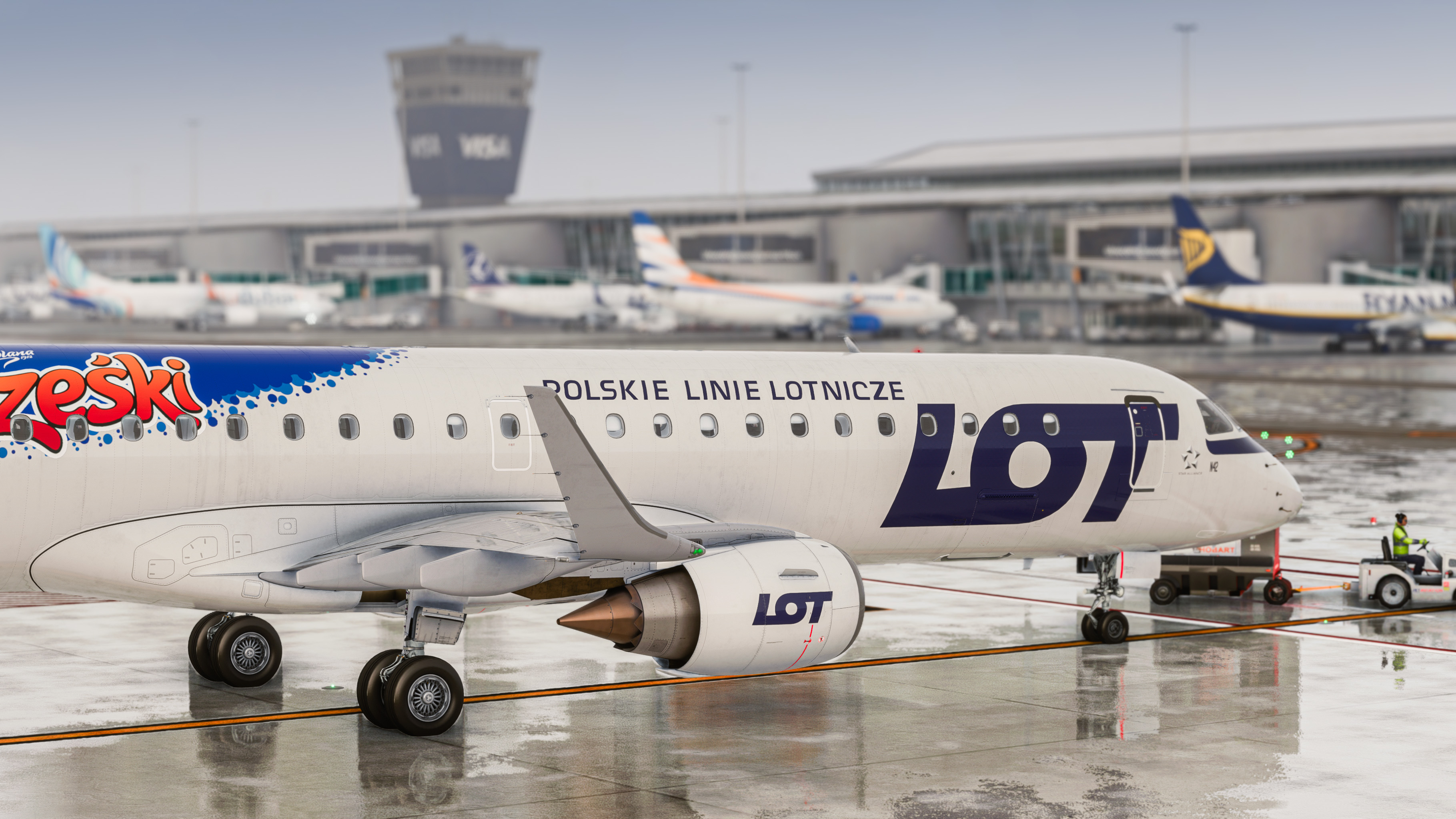
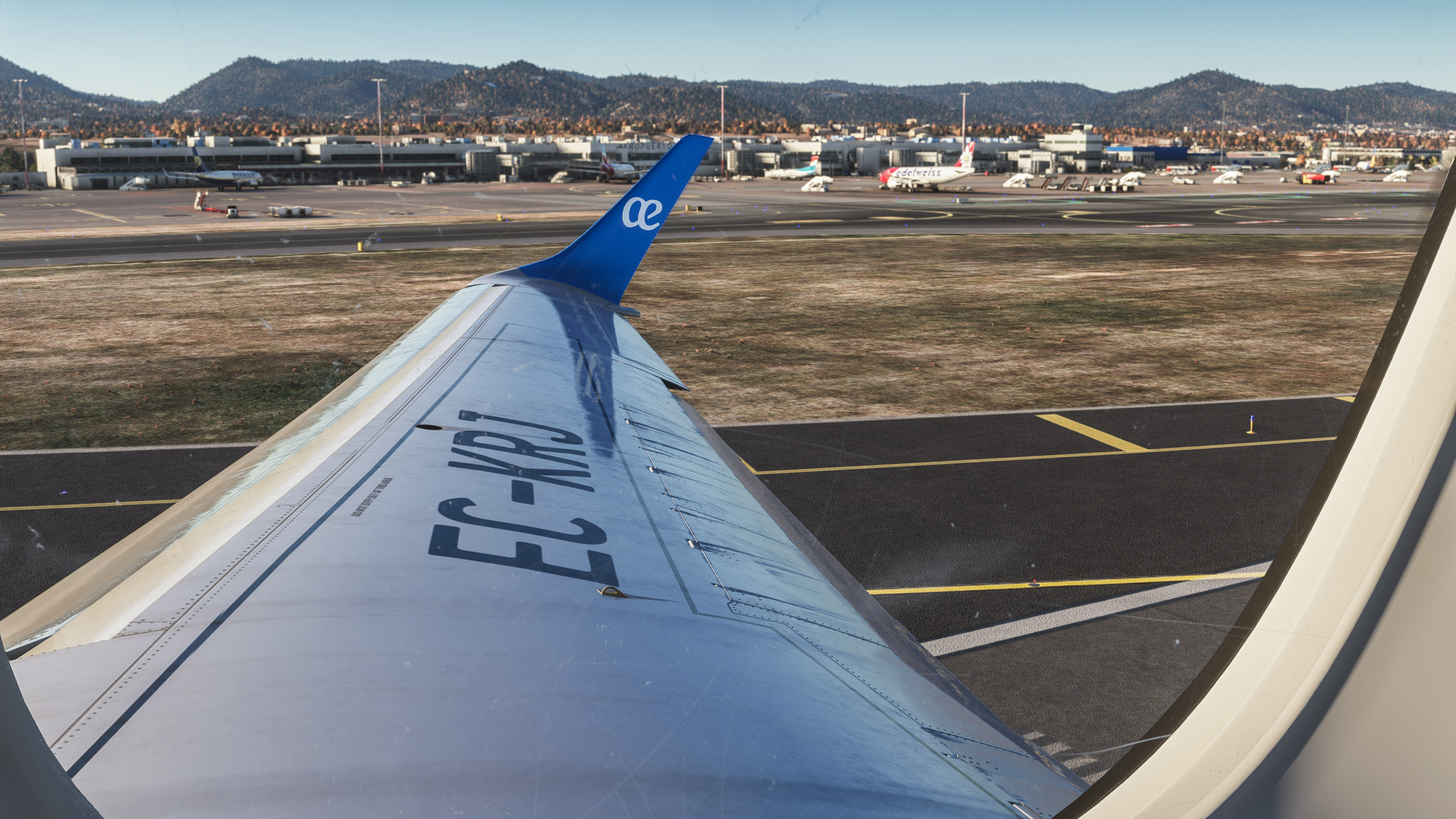
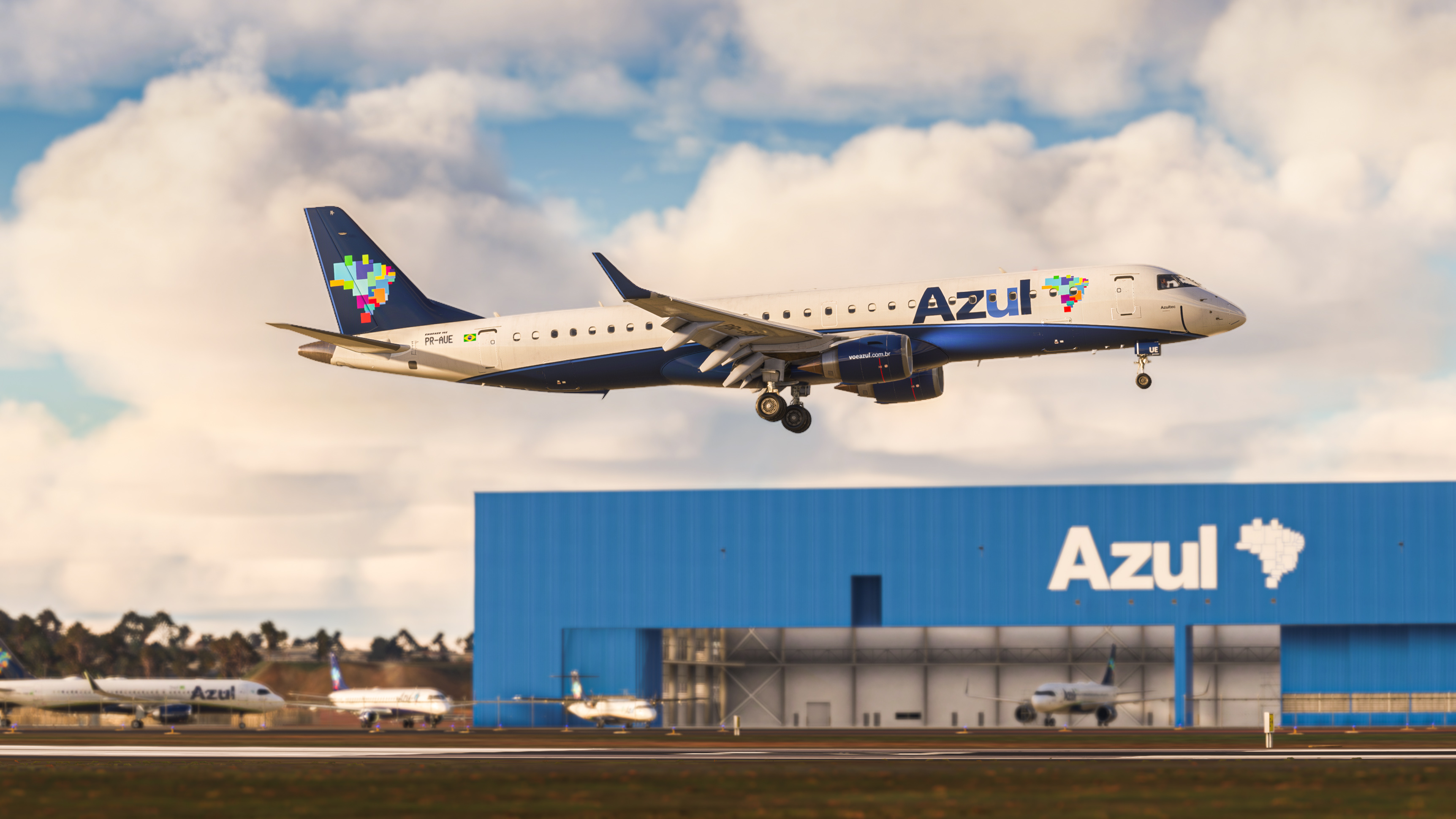
Detailed Liveries

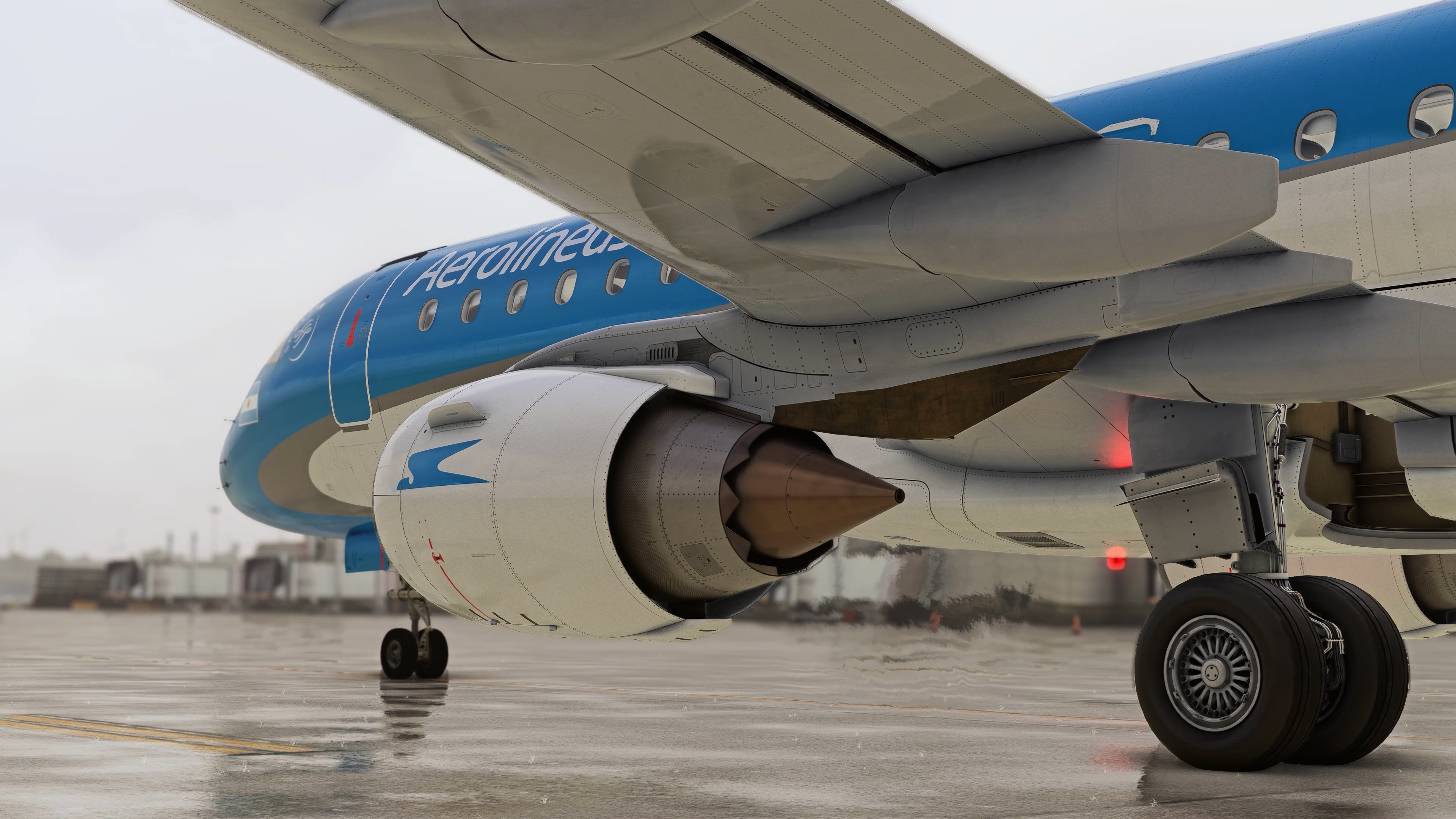
High details by decal mesh and merging technology.


Frequently asked Questions

Where We Are Today The E-Jets started as an Early Access project, but over time the scope has grown significantly. Many of the current improvements are not just feature additions, but deeper changes to the aircraft's long-term foundation — from flight guidance and FMS behavior to autopilot integration across the entire flight. Feedback from our community and testers continues to shape this work. The sections below explain what is already in the aircraft today and what we are building toward next.

Our ultimate goal is to create advanced level products including a custom FMS and a custom autopilot, however, that takes a lot of time. So while we are working towards creating all of the E-Jets at a higher level of fidelity, we are offering this early access. There are two main reasons for this:

  • First of all, we want to listen to what the community wants. We are offering this Early Access version at a reduced price, so that anyone who would like to support us and provide their input can do so. We want the community to be involved in the development of the advanced features and we want to be transparent about what we can or cannot do.

  • There are many users who are happy to with the current level of simulation, and we want to give them the chance to enjoy these products now, while the rest of the community can wait for the final advanced product.
No, the Early Access does not have VNAV, because we first need to develop a fully custom FMS which does not rely on MSFS’ default flight navigation system.  However, we are fully aware of the importance of using VNAV in the E-Jets, and it is a crucial autopilot mode that we will prioritize as soon as the FMS development will allow us to. Please check our latest Status Report.

We do not recommend using the aircraft for online flights at this stage, as some essential navigation functions have not yet been implemented. However, it ultimately depends on the capabilities of each individual user. As always, the first thing to do is to familiarize yourself extensively with your aircraft before flying online.


No, the packages are already reduced in price during Early Access.

Features

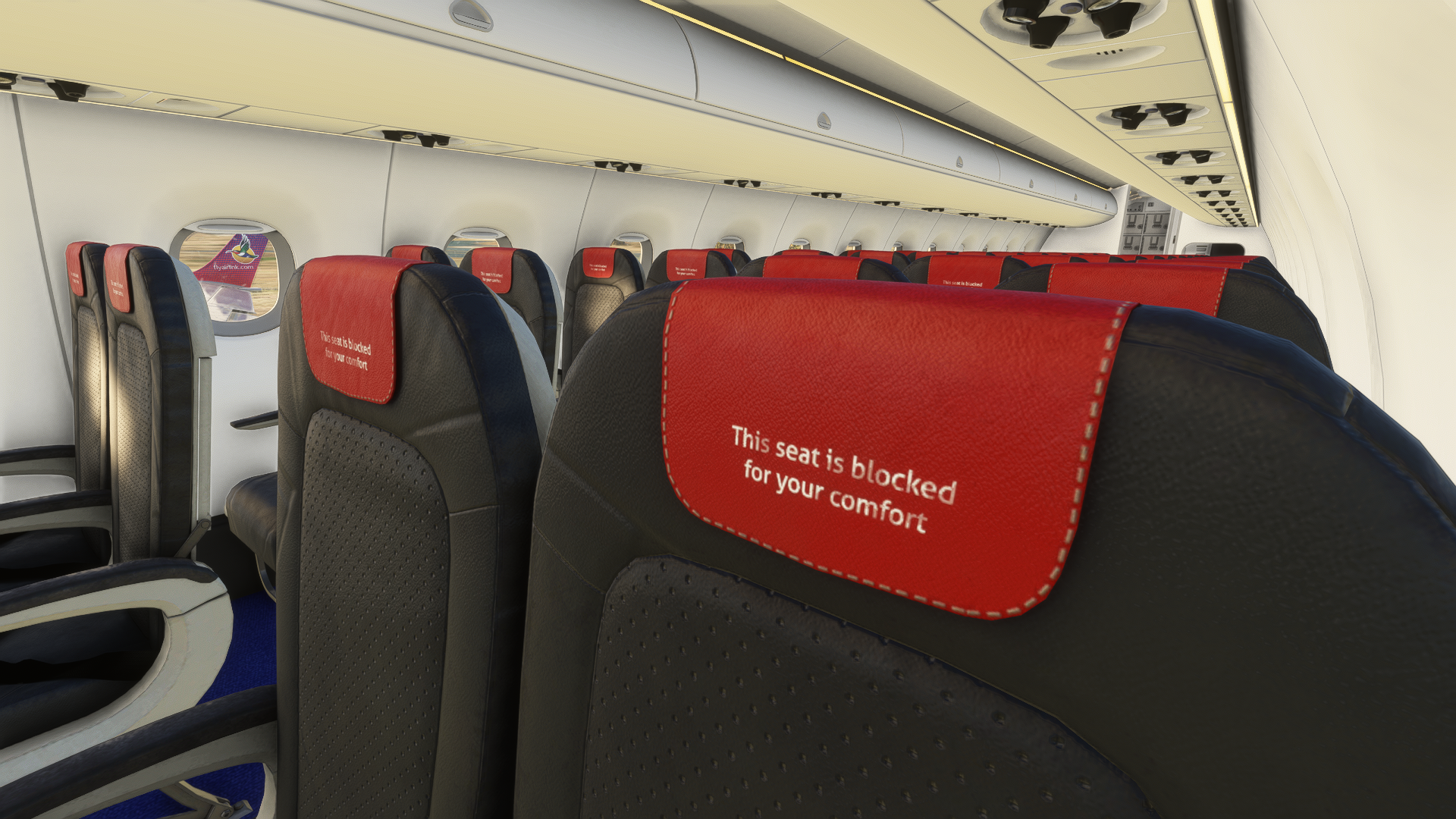
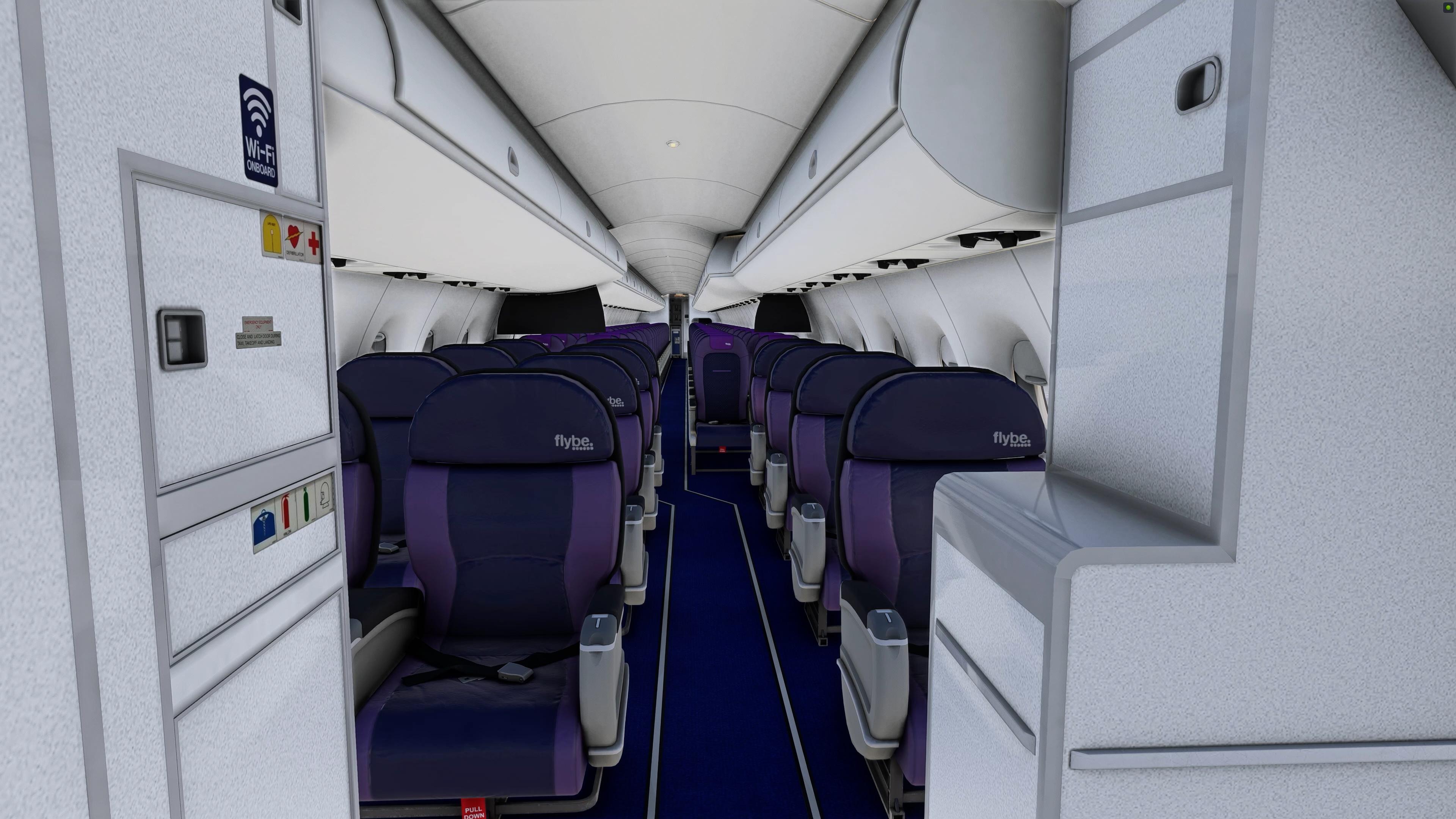
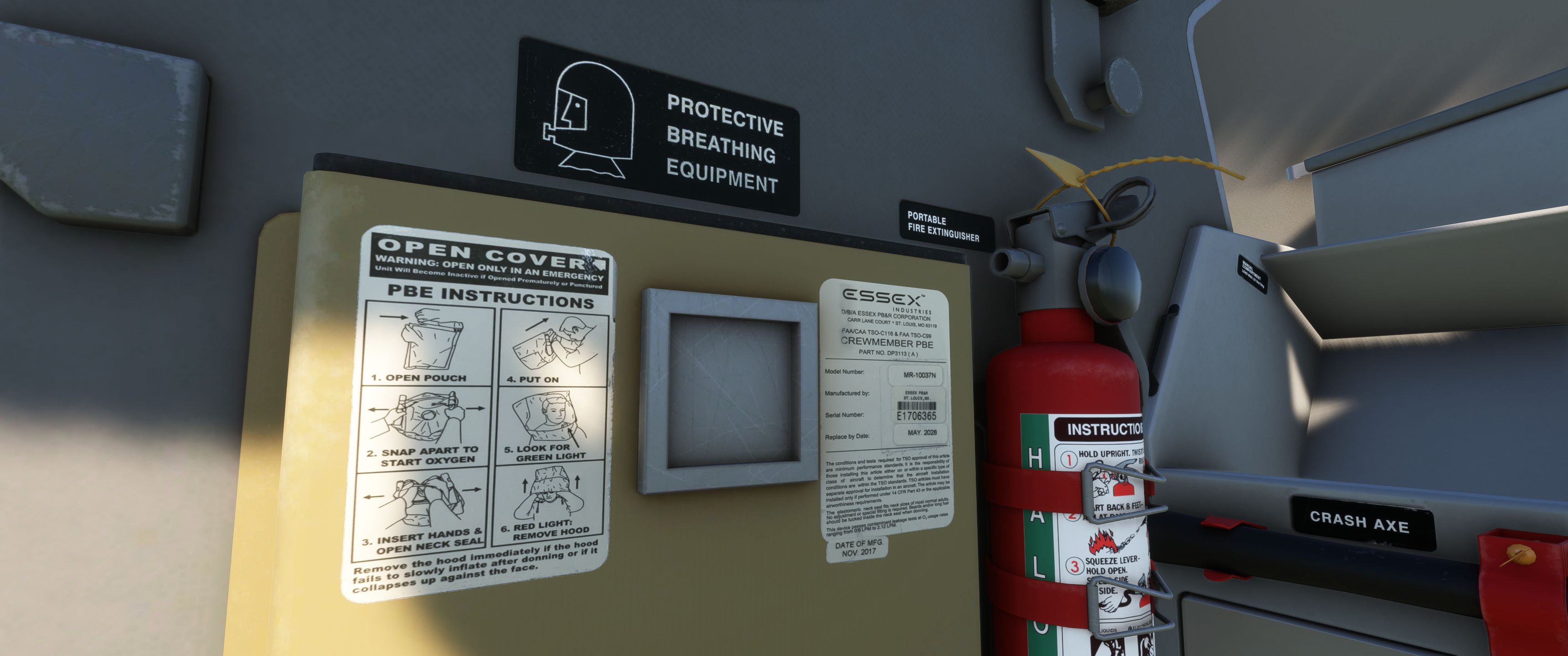
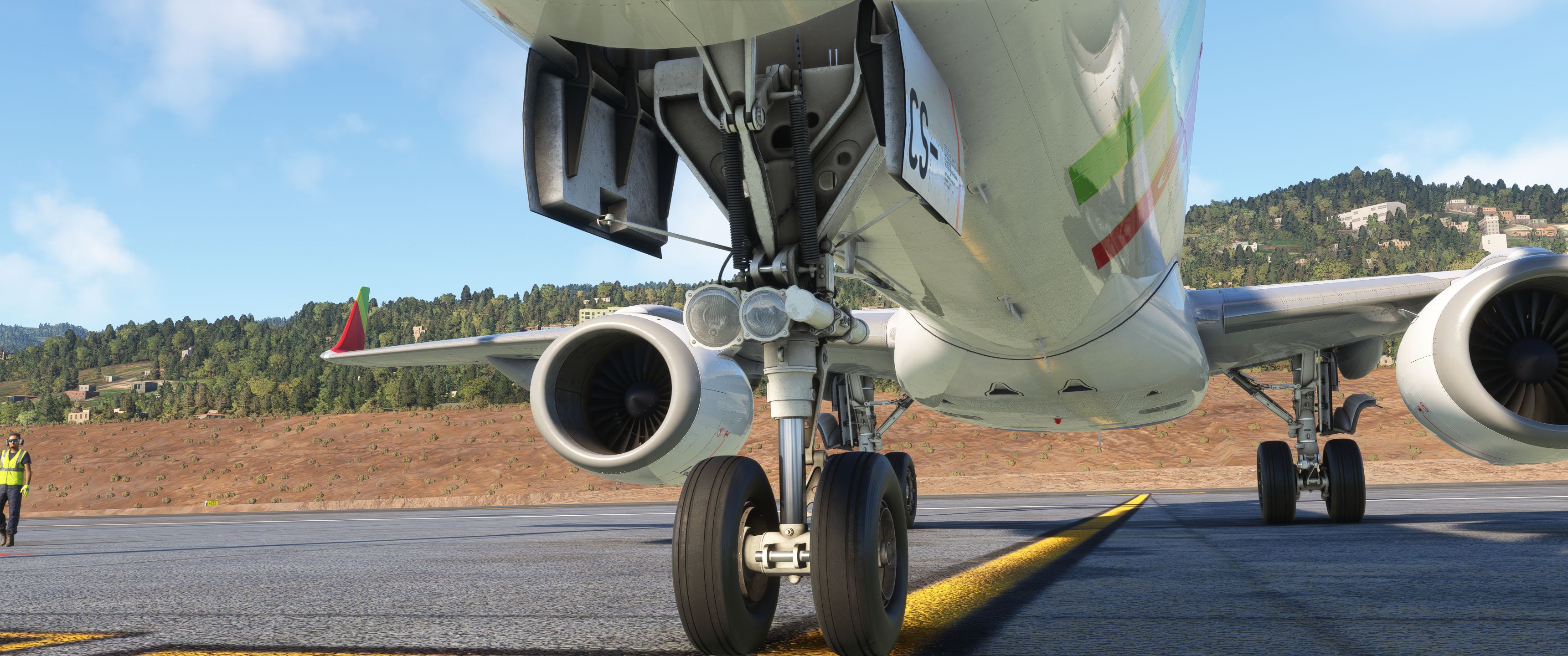
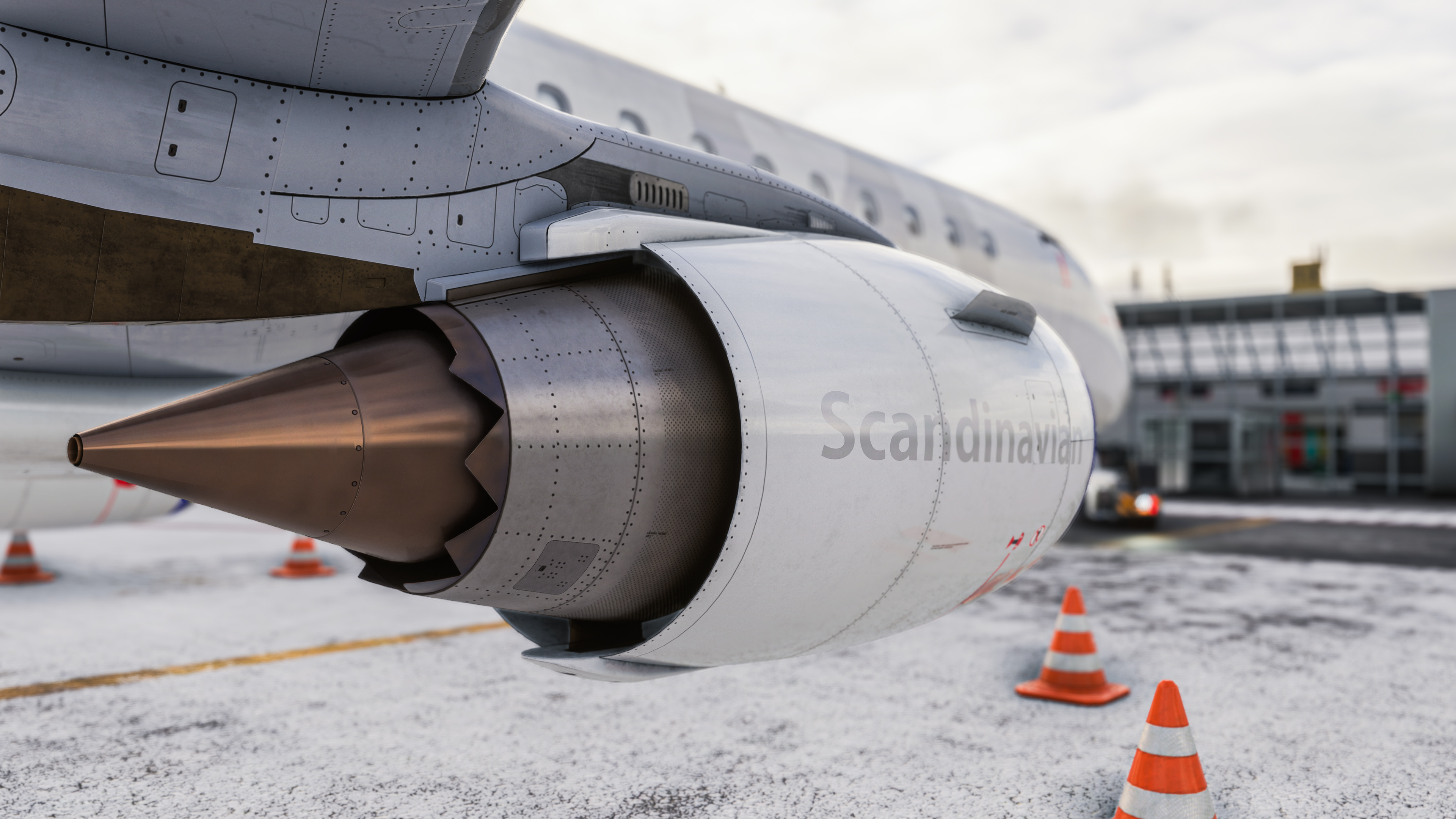
The cockpit and cabin are where you spend every flight — so the visual foundation has to hold up in close-up inspection as well as from the outside. The 3D model was originally created by X-Crafts, a well-known company from the X-Plane community. Based on thousands of photos and with input from a number of real pilots, an incredibly detailed replica of the real aircraft was created. Our team migrated this data into an MSFS capable aircraft. This includes taking advantage of native technologies such as detail decals, PBR texturing and performance optimization. In addition, a large number of animations were added - above and beyond the usual. For example, the cockpit windows and door can be opened, sun visors can be placed and much more. Last but not least, there is an individual night lighting with a variety of light sources, which creates the right mood even in the dark.


  • Precise and highly detailed recreation of the E-Jet Series (interior & exterior)
  • Including long and short winglet version
  • Detailed cabin with dynamic seat layout
  • Using native MSFS technologies like:
    • High resolution decals
    • Crisp and sharp liveries
    • PBR effects throughout
    • Custom icing model
    • Individual interior and exterior lighting
    • Hundreds of animations including wipers, seats, wingflex, etc.
    • Ground service docking config
    • Dynamic registration number
  • Several detailed liveries included

How the aircraft feels on takeoff, in turbulence, and on approach defines whether a sim addon is enjoyable day after day. Our flight dynamics developer is a pilot himself, so the E-Jets configuration is based not only on manual data, but on real operating experience. The result is generally good-natured handling that remains controllable even in demanding conditions.

  • Correct weight & balance behavior
  • Performance in limits to real world data
  • Configured by real world airline pilot

Sound is what makes a cockpit feel alive — especially on the E-Jets, where system states and ambient cues matter as much as engine noise. Our sound designer has spent hundreds of hours converting reference material into usable MSFS sounds. This includes not only the usual things like engine sounds but also many animations like the cockpit window or environment ambience.

Some systems were even simulated to the point where you can't see the difference visually, but you can hear it all the more clearly. One example is the avionic fans, which make characteristic noises when the aircraft is switched on. Or the pack air flow, which varies depending on the aircraft configuration.

The result is an extensive soundscape that reflects the typical feeling of the E-Jets.

  • Custom soundpack specifically done for this product
  • Immersive cockpit feeling typical for E-Jets
  • Custom cabin sounds
  • Includes several warning and alert sounds

The E-Jets are highly automated aircraft with a simple operating concept: as long as no button is lit, auto-logic manages systems according to the current situation. That reduces workload in normal operations and lets you focus on flying. Most of this auto-logic is already implemented in the Early Access version. All normal-ops procedures can be performed and the system status can be monitored on the EICAS. Also, most systems can already be switched to manual mode should the situation require it. We will continue adding and perfecting all systems with future updates. Please check out our online documentation for a detailed system description.

  • Systems custom coded based on real aircraft manual
    • Electrics (AC/DC)
    • APU including realistic procedures
    • Hydraulics
    • Heating / Ice Protection
    • Air Condition / Pneumatics
  • Only in the E190/195:
    • Steep approach mode
    • Head-Up display

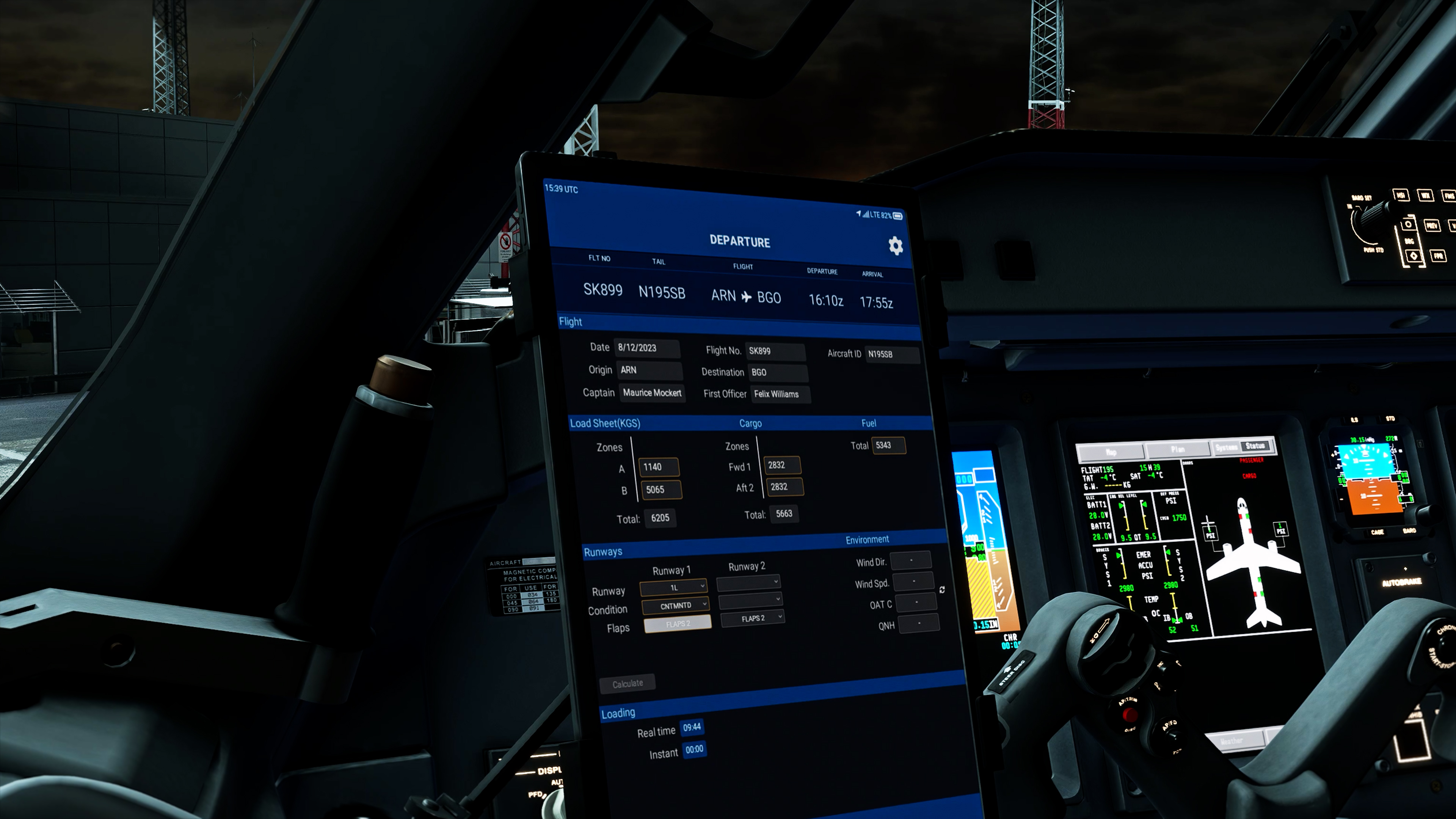
The Electronic Flight Bag is your operational hub before and during flight — from SimBrief imports and performance calculations to ground equipment, doors, and aircraft configuration. Everything here is designed to keep preparation practical and connected to the rest of the aircraft.

  • Flight planning incl. SimBrief import
  • Aircraft loading/fueling
  • Performance calculation (Manifest)
  • Control ground equipment and doors
  • Navigraph Charts Viewer
  • Comprehensive options
    • Throttle calibration
    • Aircraft settings (global)
    • Operator settings (per livery)

Route management and performance data drive every phase of an E-Jet flight — from departure briefing to approach planning. The FMS in the Early Access version is based on the standard flight plan system of MSFS, but uses a custom interface that mimics the Load 27 software installed on the real aircraft. In addition there are several modifications concerning SID and STAR selection and waypoint management.

Unfortunately, the native MSFS flight plan system doesn’t allow us to implement all functions of the real FMS, so we have decided to create a fully custom FMS which will contain the majority of the currently missing features. Developing such complex software however takes time, so it will only be available in the final products.


  • Detailed replica of the LOAD27 MCDU:
    • MSFS based lateral route management incl. SID/STAR
    • Performance Initialization & Data
    • Fuel Management
    • Takeoff and Landing speed calculation
    • Flight Summary
    • COM/NAV integration
    • Conversion Calculations
    • Maintenance Pages
    • Progress overview
    • Direct keyboard entry available

The autopilot is the backbone of every E-Jet flight — it affects the aircraft from climb through cruise, approach, and missed approach. The Early Access build extends native MSFS autopilot systems to their limits and adds E-Jet-specific modes and custom logic where the defaults fall short.

Our fully custom autopilot — closely coupled with the custom FMS — will unlock the remaining modes and more precise guidance. That work is underway alongside the FMS foundation.

Check out the Autopilot Guide for a detailed overview.

  • Custom Flight Director implementation including TO mode
  • Automatic Yaw Damper logic
  • MAN speed mode
  • Custom tuned lateral autopilot modes (ROLL, HDG, LNAV, LOC, TRACK)
  • Custom tuned vertical autopilot modes (FPA, TO, ASEL, FLCH, ALT, VS, GS)
  • Corresponding Flight Mode Annunciators on PFD

Primary flight information — attitude, navigation, and system status — has to stay consistent and readable throughout the entire flight. The PFD, MFD, and EICAS already cover normal operations, along with the IESS, digital clock, and audio control panel.

You can already fly under normal conditions with what is implemented today. Further display refinements will follow as the underlying systems mature.

  • Realistic Primary Flight Display (LOAD27) including:
    • Autopilot FMAs
    • V-Speeds readout
    • Low Speed Awareness tapes
    • VMO/MMO barber poles
    • Metric altitude readout
    • Trend vectors
    • BARO in hpa and inhg
    • Radio altitude readout
    • Flight director (bar/cue)
    • Flight path vector
    • Slip/skid indication
    • Vertical deviation scale/pointer (LOC only)
    • HSI (Compass only)
  • Custom Multifunctional Display including:
    • MAP mode (arc view with routing and navaids)
    • Progress display
    • Custom system pages (STATUS, ANTI ICE, ECS, ELEC, FLTCTRL, FUEL, HYDR, ENGINE, CONFIG)
  • Realistic Integrated Electronic Standby System (IESS)
  • Custom EICAS display including all required system information
  • Custom digital clock
  • Custom coded Audio Control Panel (VHF1-3, NAV1-3)

These details make day-to-day flying smoother — from guided checklists and keyboard MCDU input to map integration and pop-out screens for multi-monitor setups.

  • Interactive MSFS checklist with custom cameras and highlighting
  • MCDU input via keyboard
  • Route integration into native MSFS map
  • Using native MSFS nav database
  • Pop-out screens

Comprehensive Documentation

Just like with all of our aircraft, we offer a detailed and comprehensive online manual. This covers everything from checklists to comprehensive system descriptions. We also provide Procedure Guide and an FAQs section to address any additional questions you may have.

NEWSLETTER

Stay up to date

Your subscription could not be saved. Please try again.
 
Your subscription was successful.
 

News Subscriptions

Sign up for our newsletter to stay up to date.

I want to receive your newsletter and accept the privacy policy.