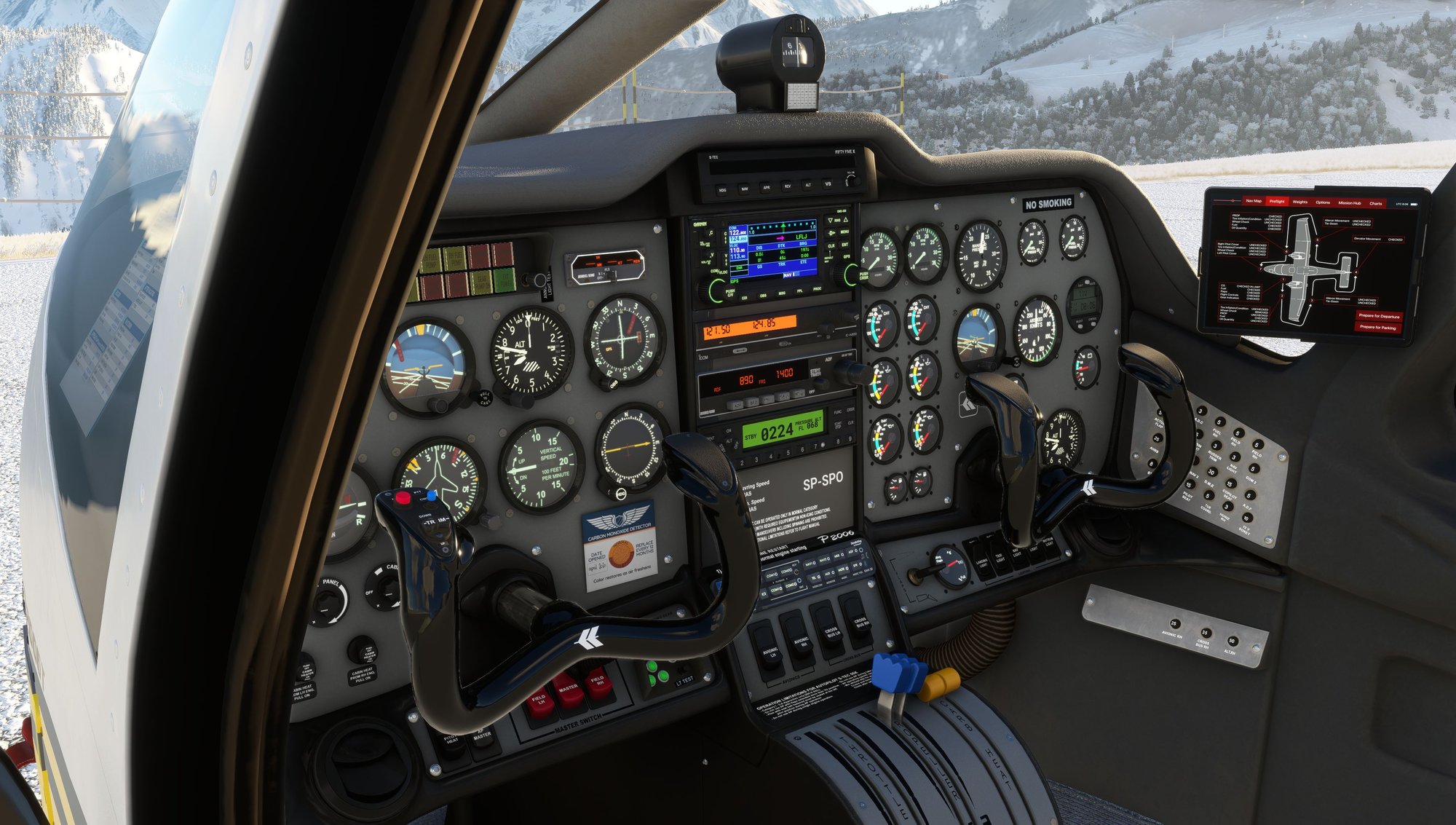
Tecnam P2006T Analog
Best in twin training
The Tecnam P2006T Analog brings classic steam-gauge IFR training to MSFS — the same Rotax twin platform as the MKII, with analog instruments, optional GNS430 or GTN avionics, and study-level systems when you want them.
Interactive walkaround, dynamic pax/cargo loading, Easy and Realistic operation modes, and sound from real recordings. Fly on PC or Xbox — built for Microsoft Flight Simulator 2020. A native MSFS 2024 version is in development. Prefer glass? See the G1000 MKII variant.

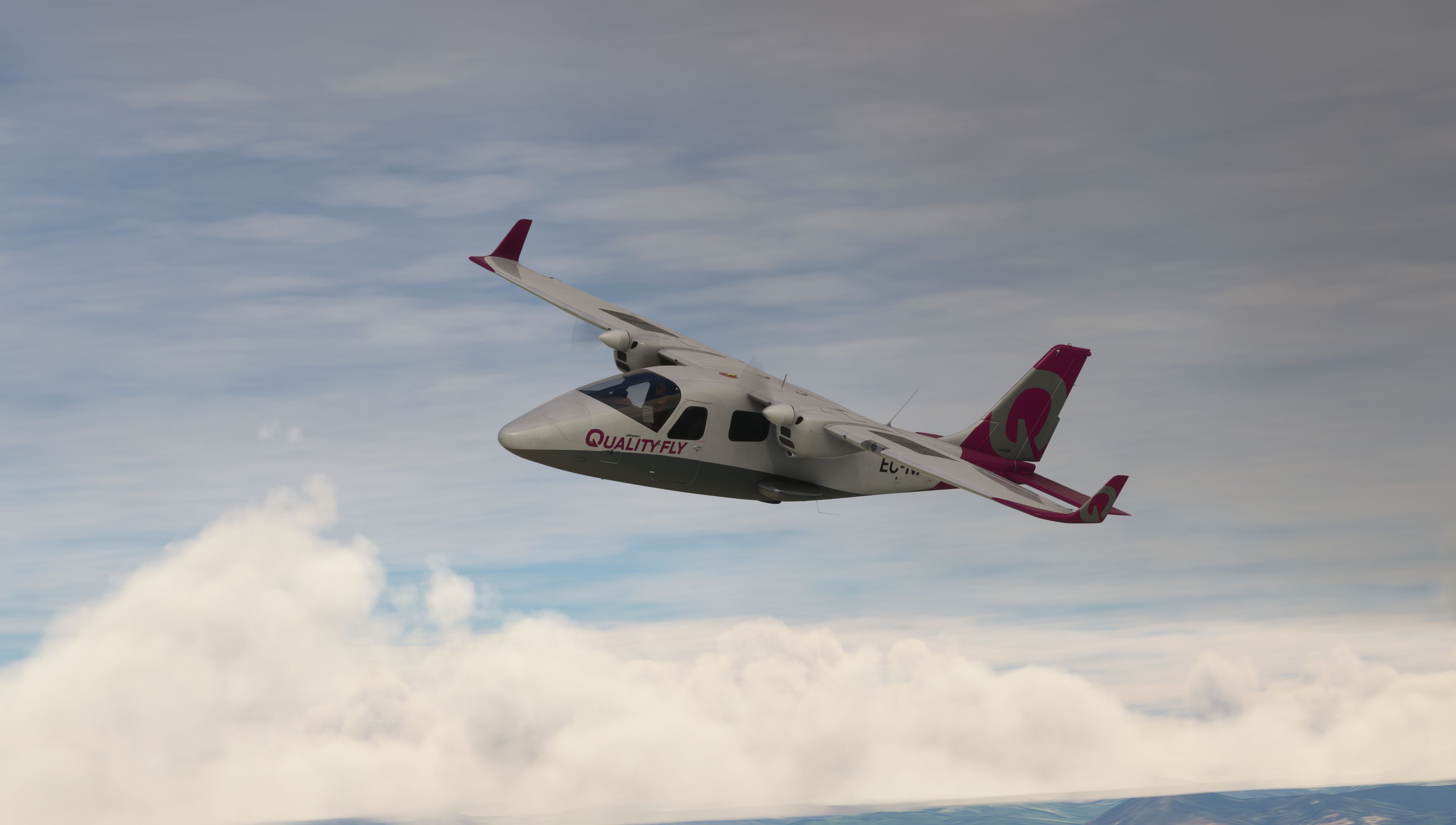
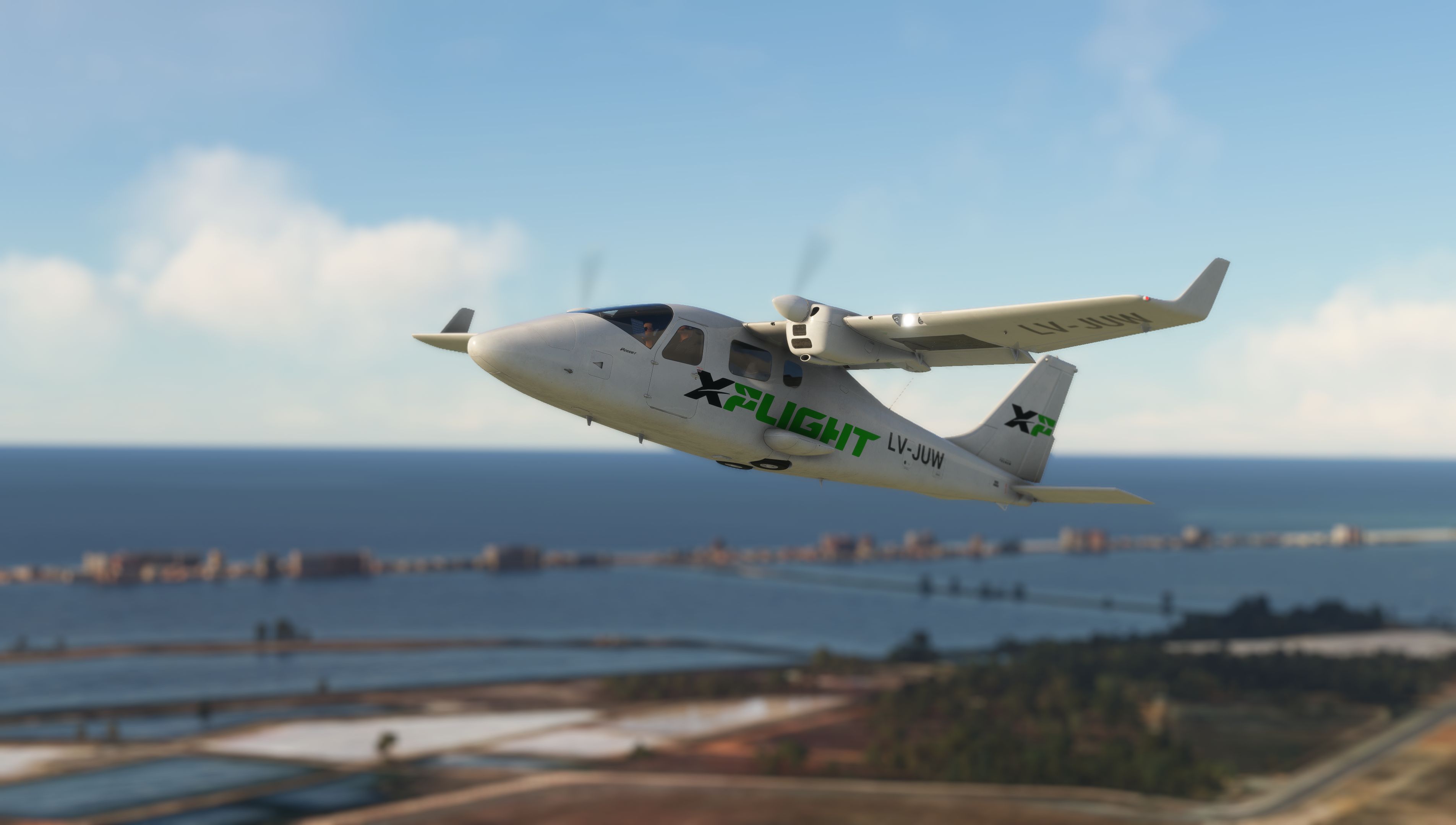
Beautiful Visuals
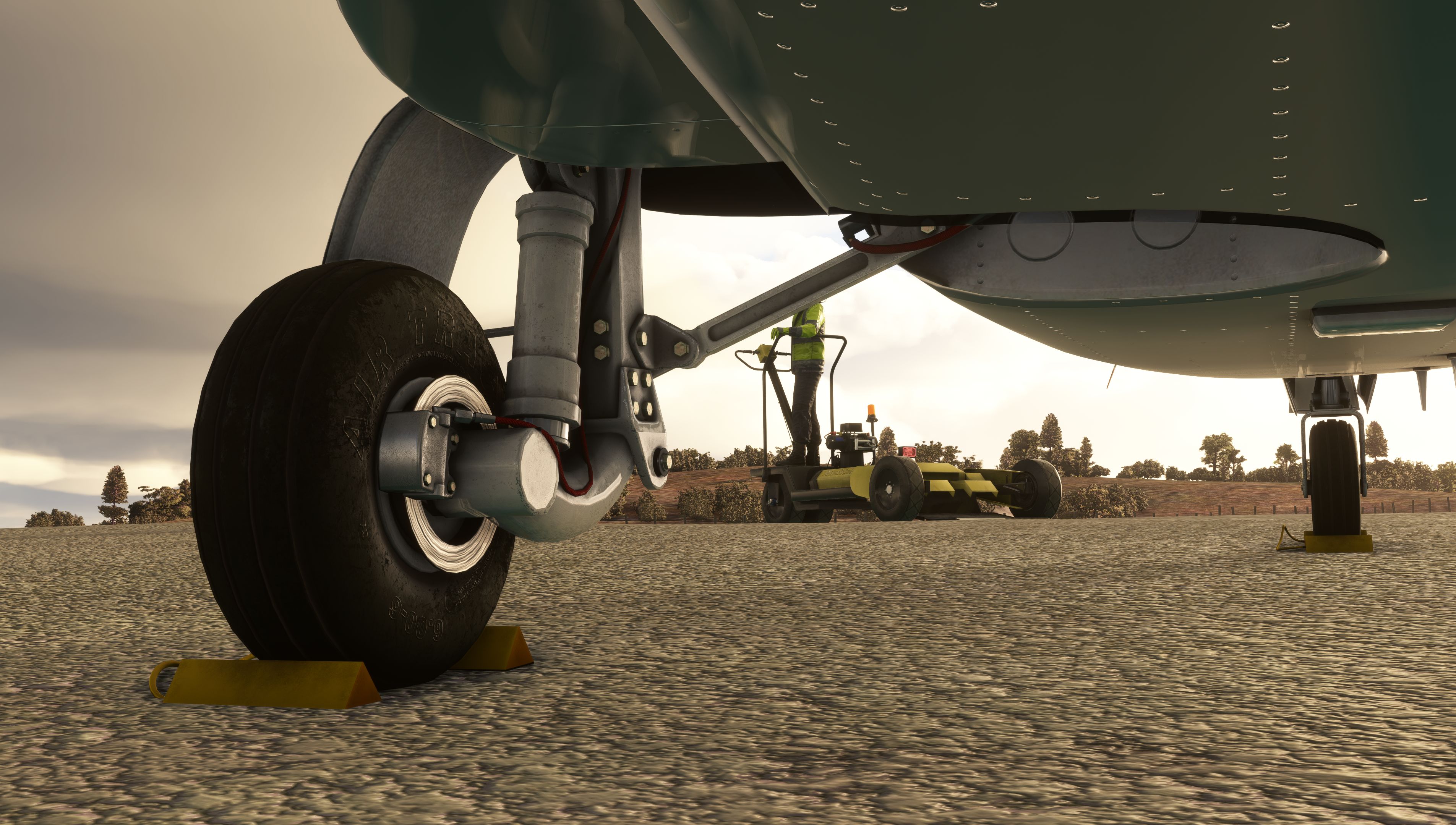
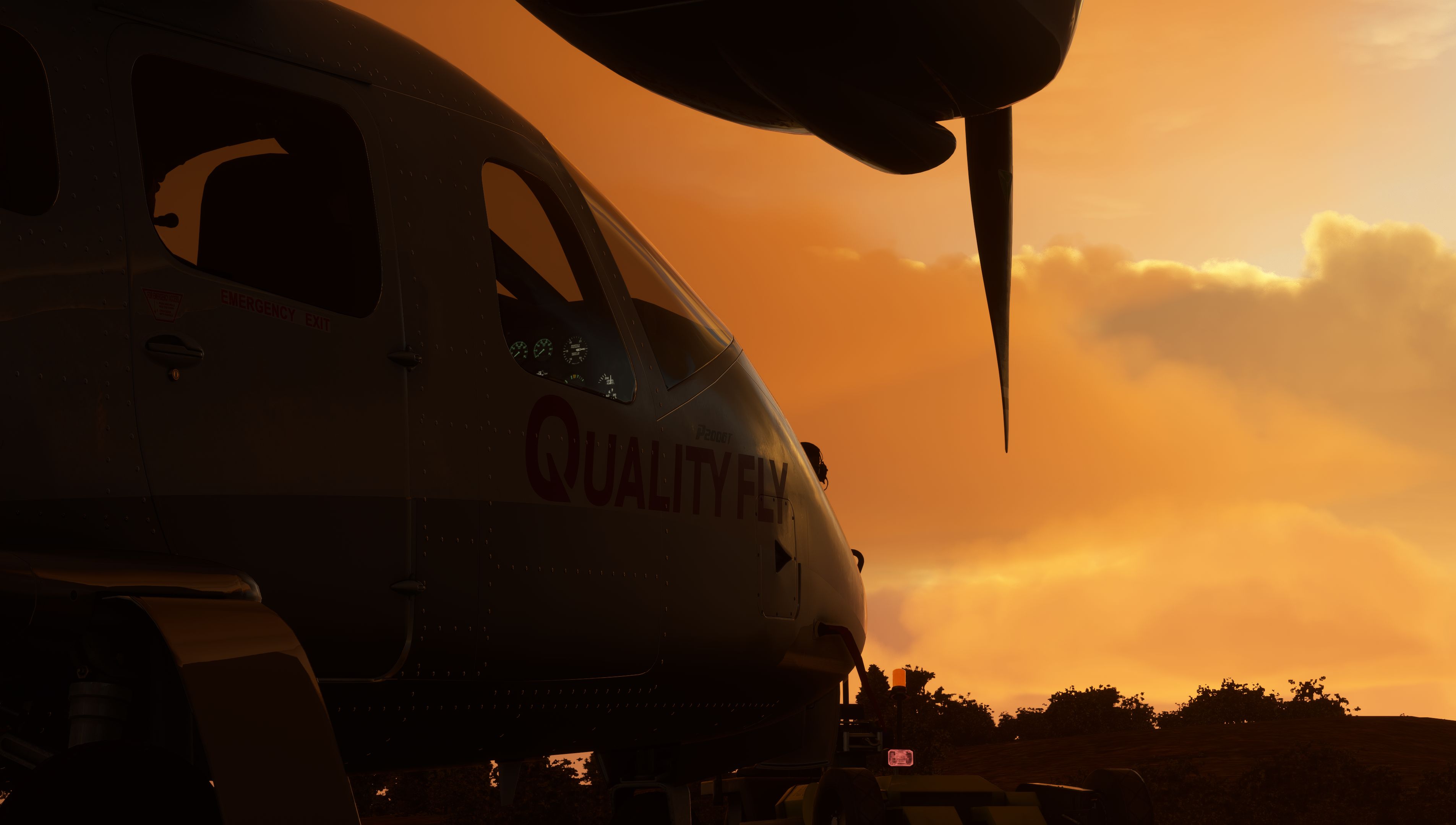
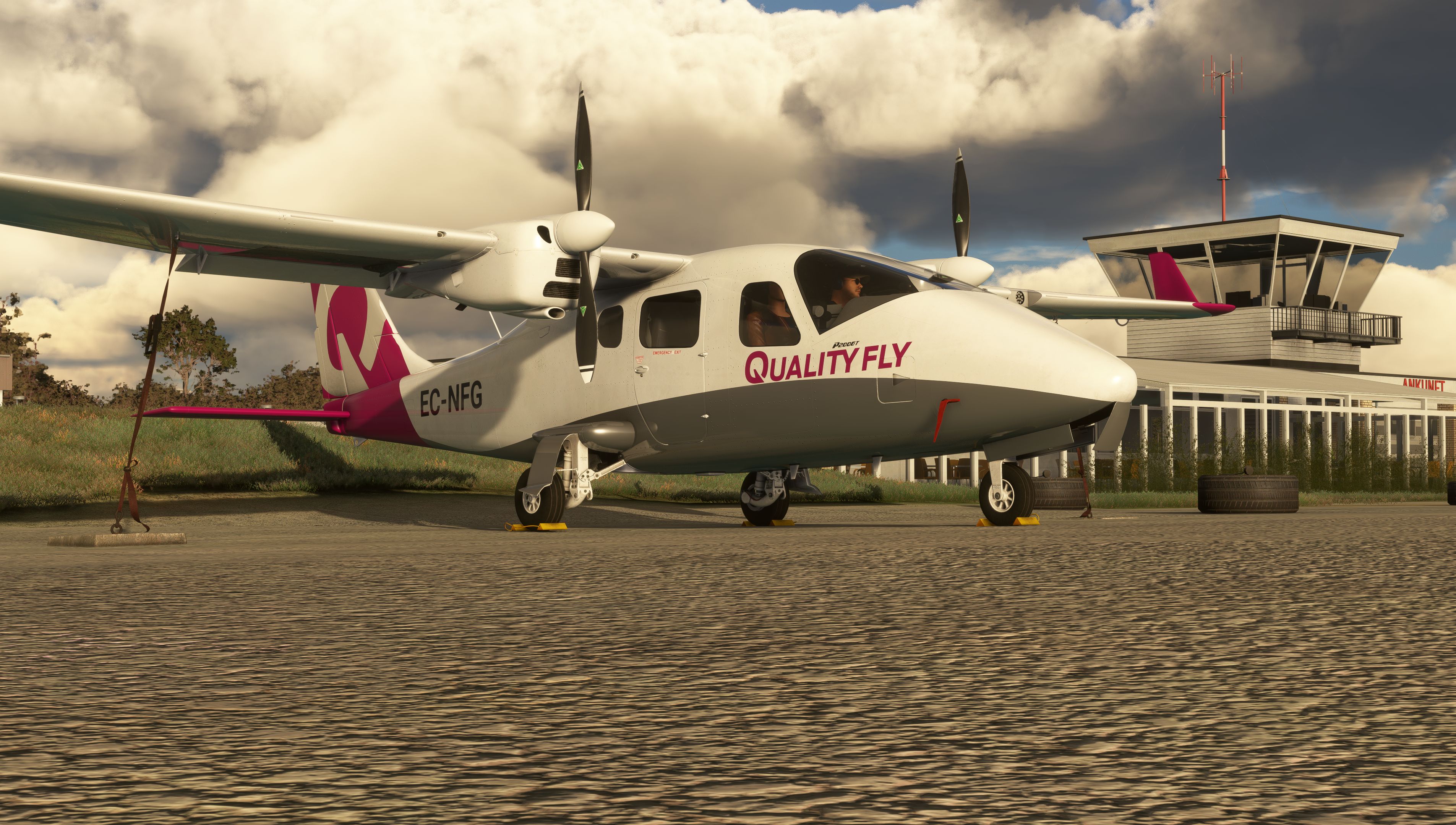
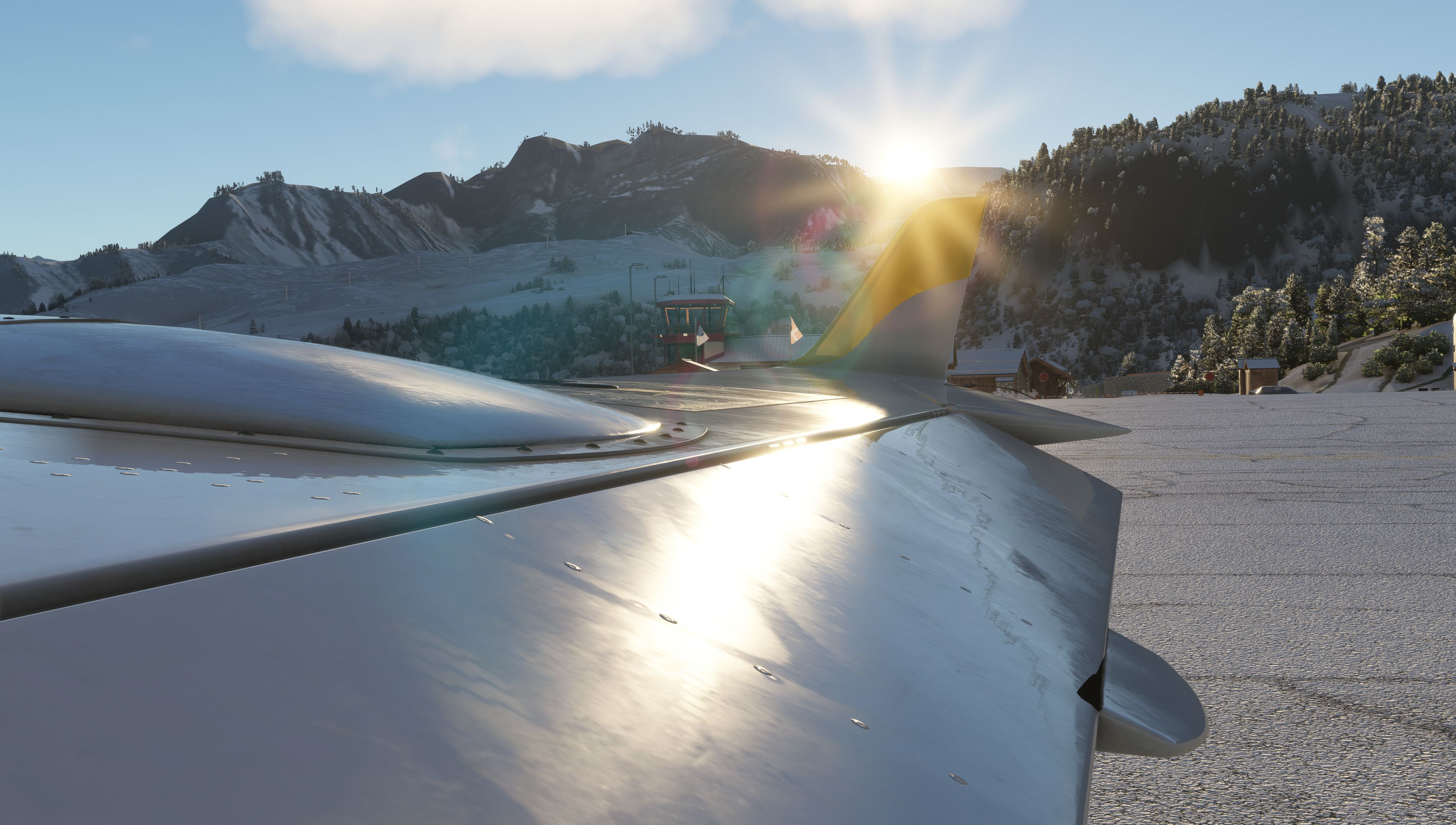
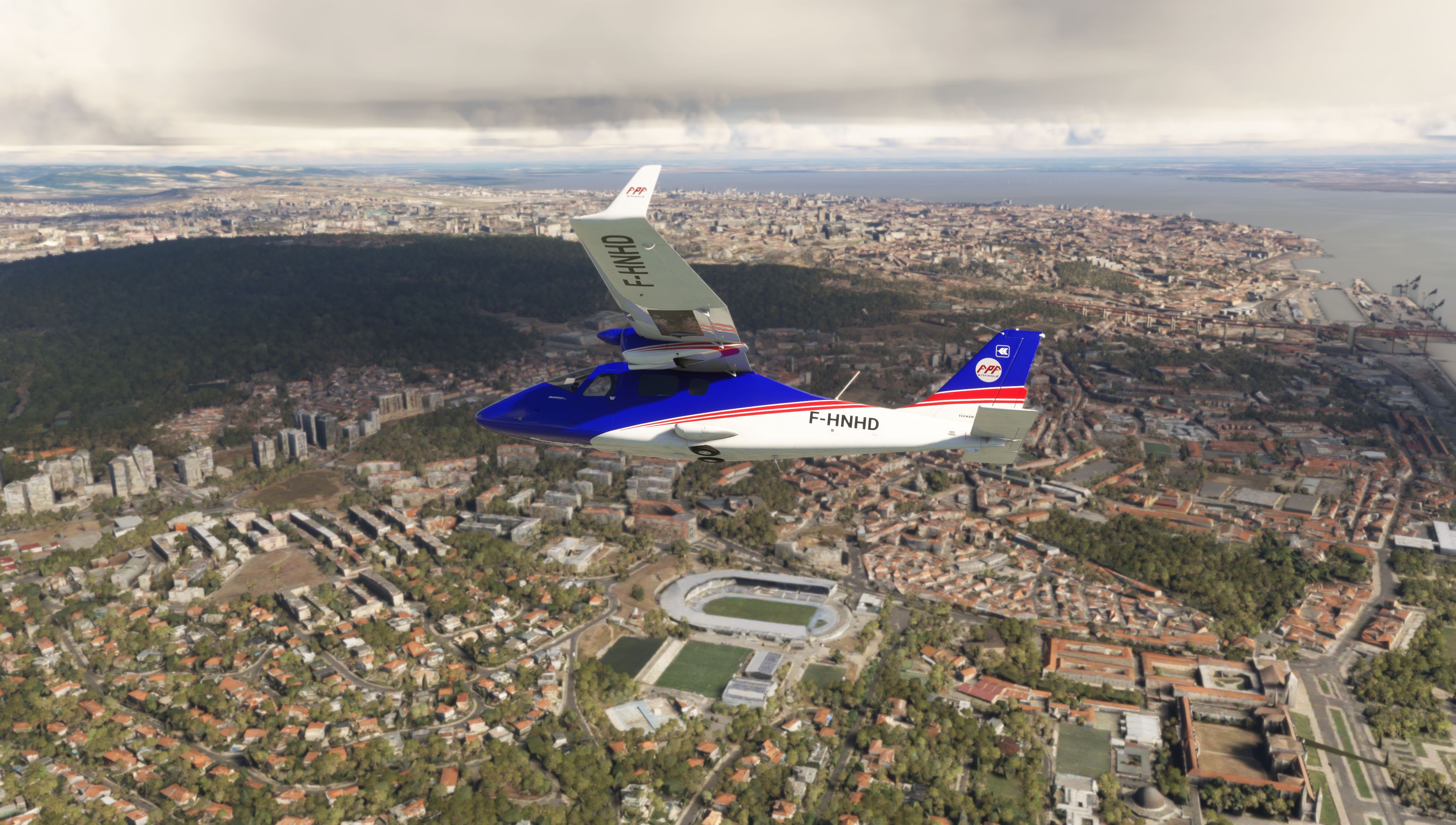
A beautiful 3D model and high-resolution textures.
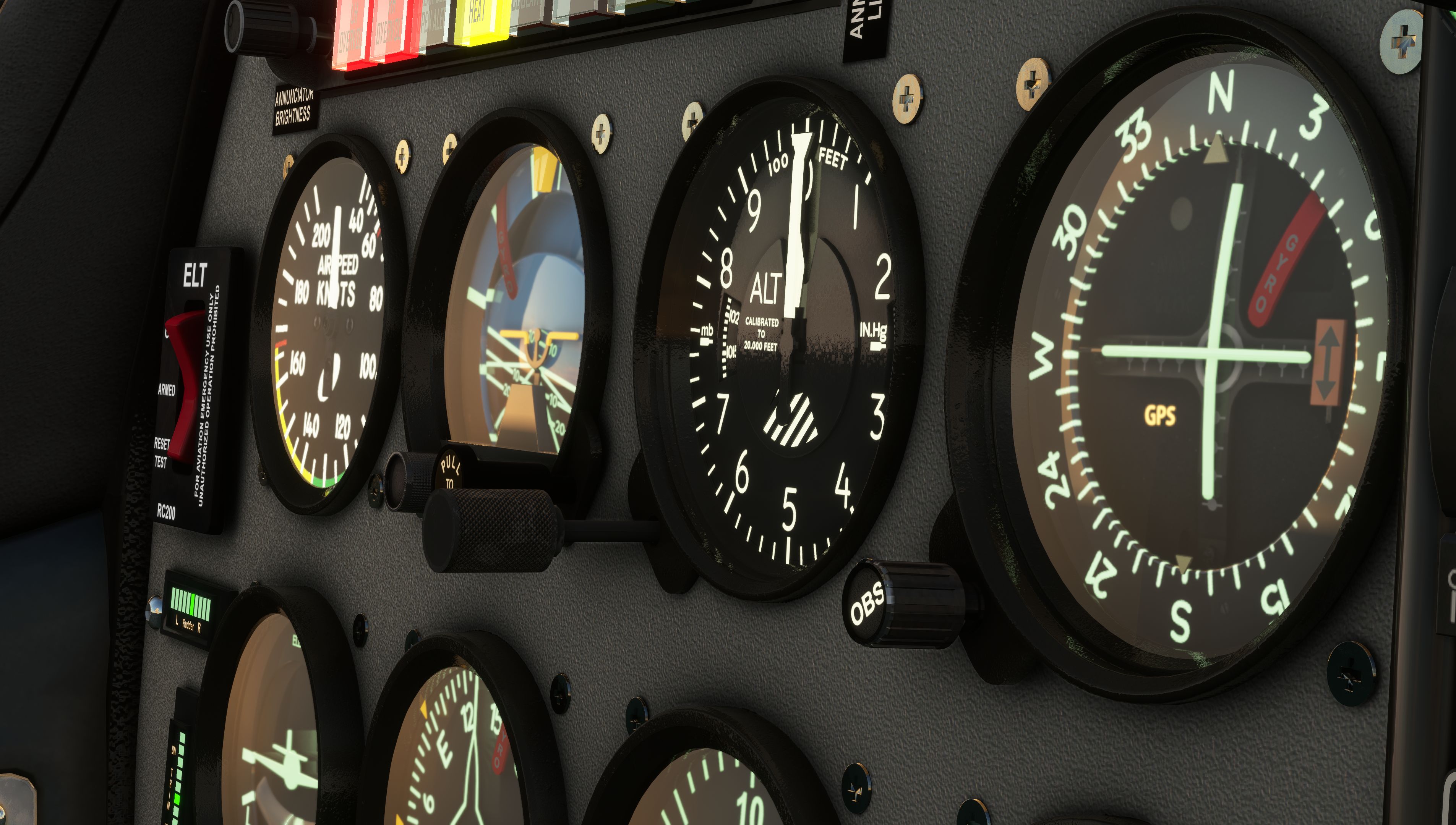
As Real As It Gets
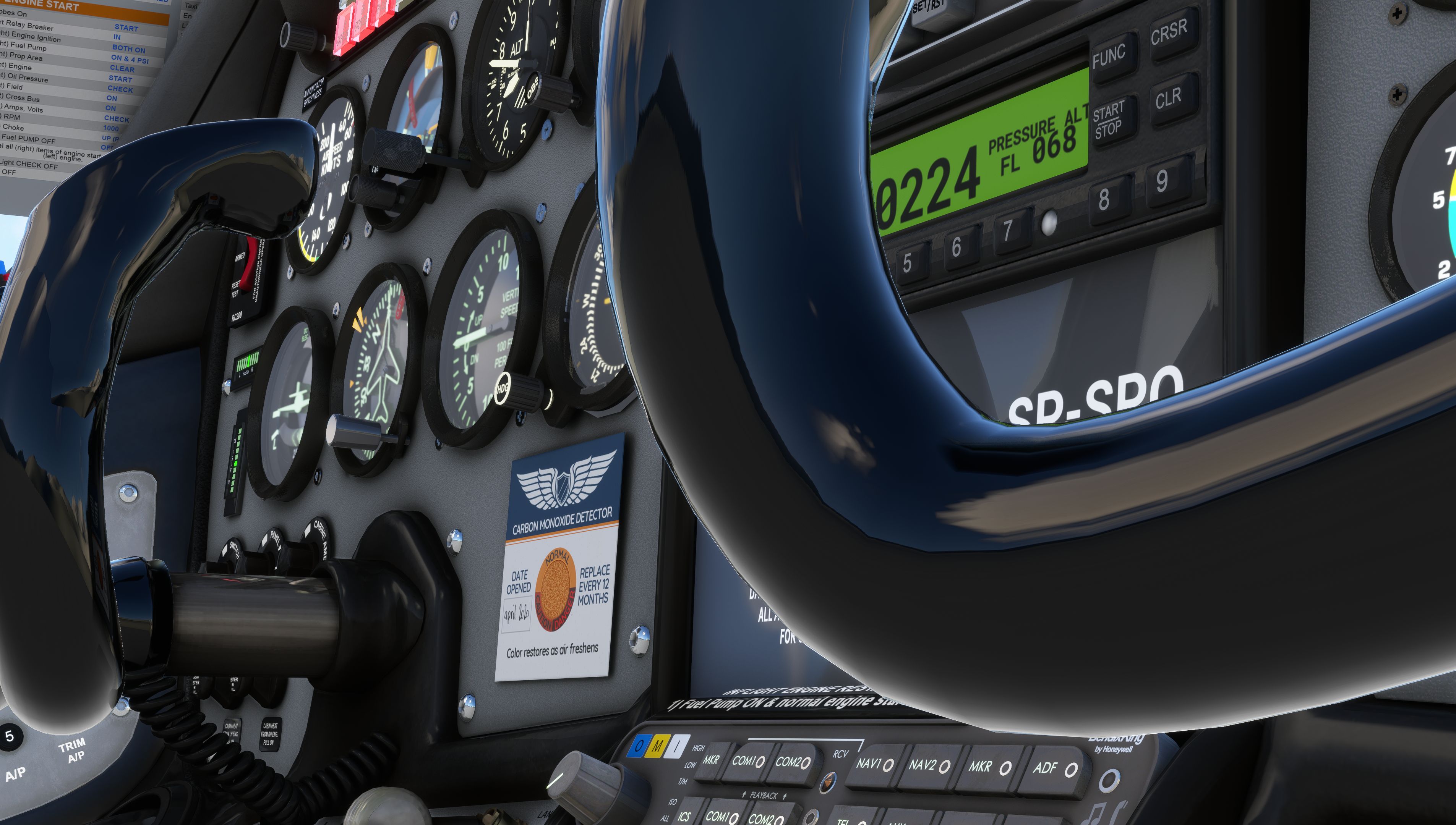
Analog instruments, custom rotax engine simulation, and more
Versatile
Pax, cargo, and observer configs with dynamic loading
Immersive Sound
A true to life sound environment.
XBOX Ready
Ready to use natively on XBOX and PC.
Features
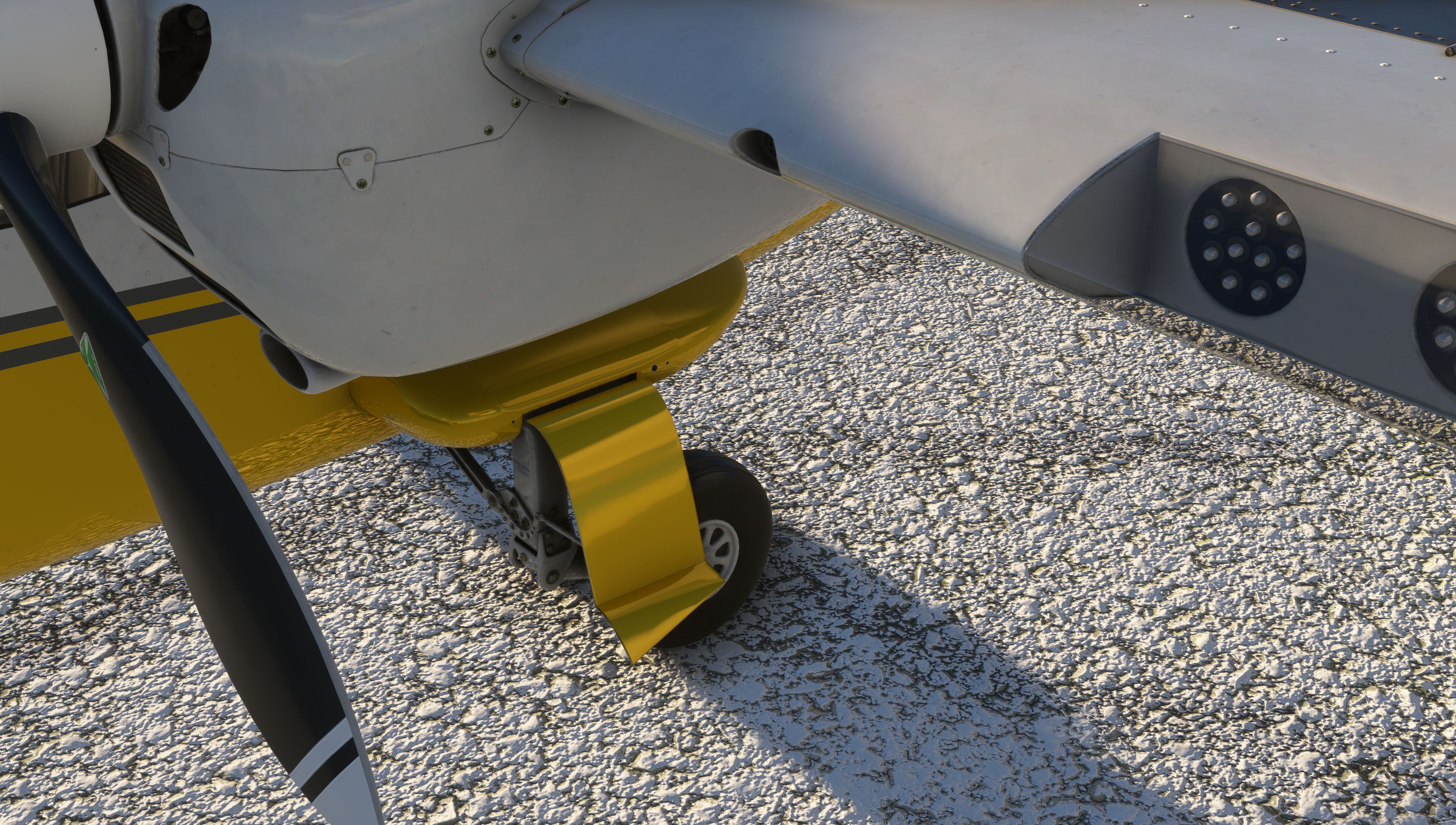
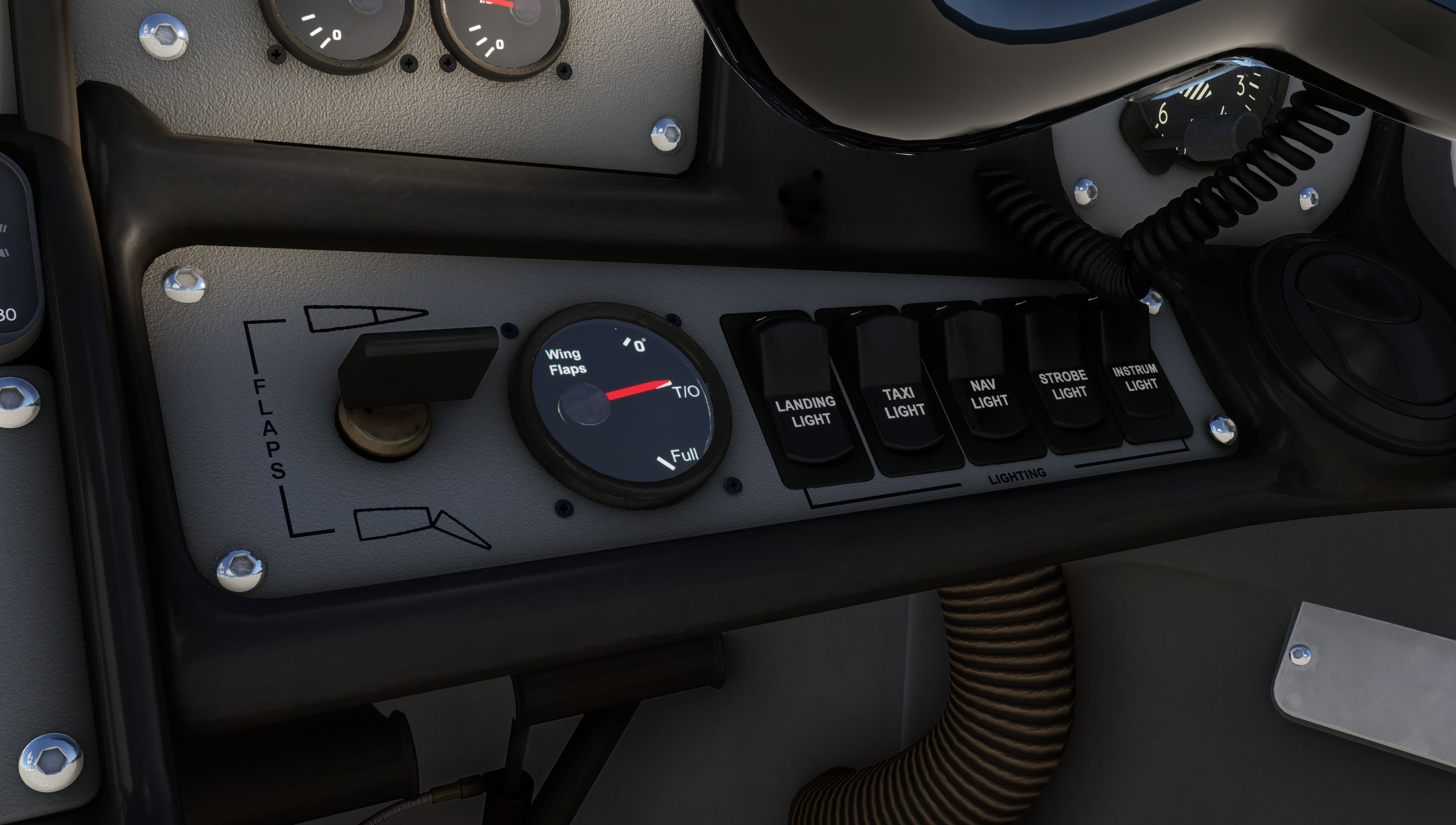
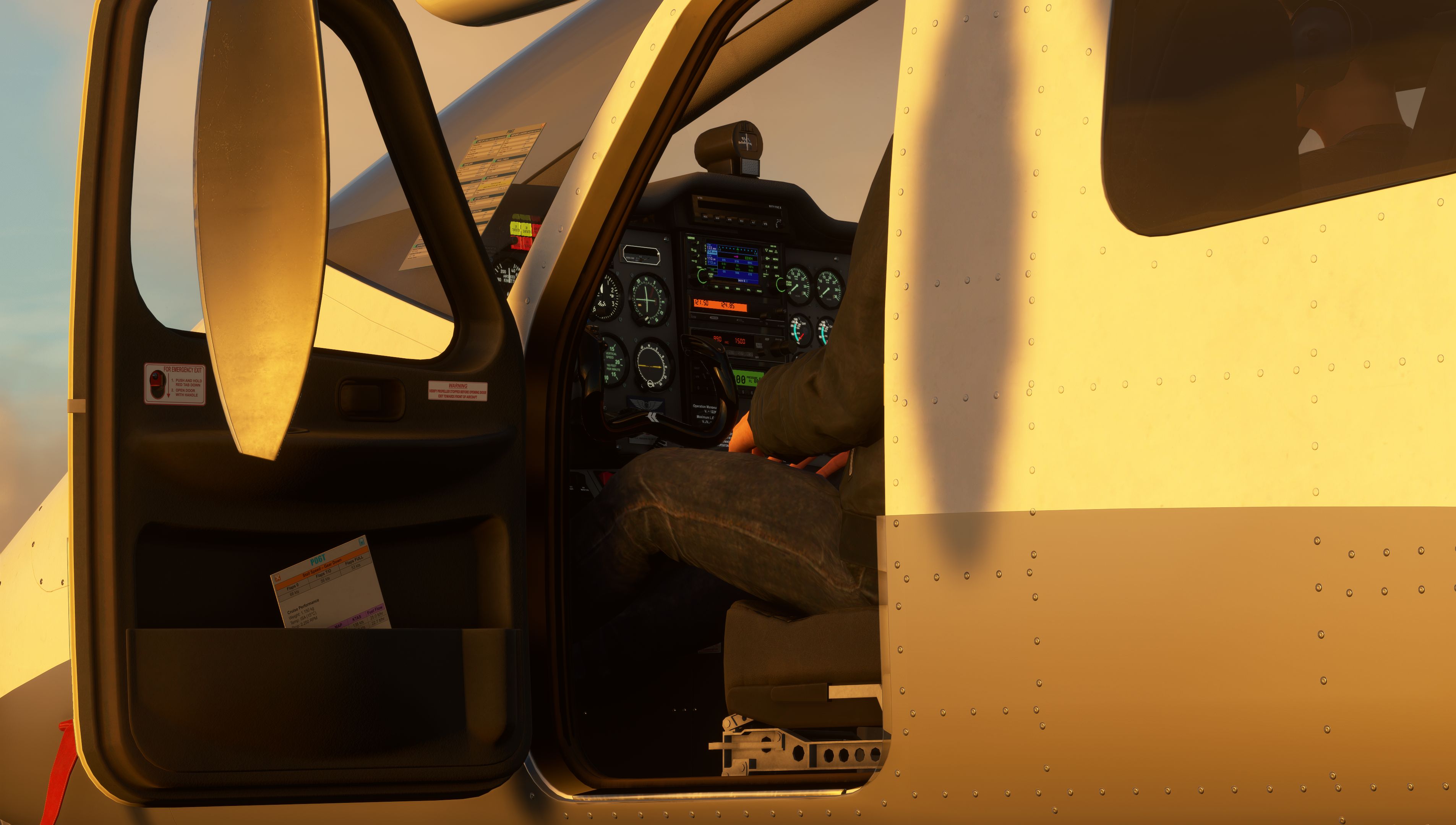
The same detailed airframe as the MKII — PBR textures, walkaround animations, and real-world liveries keep the Analog convincing from ramp to cruise.
- Accurate replica of the Tecnam P2006T
- Physically Based Rendering (PBR) materials for a perfect visual result
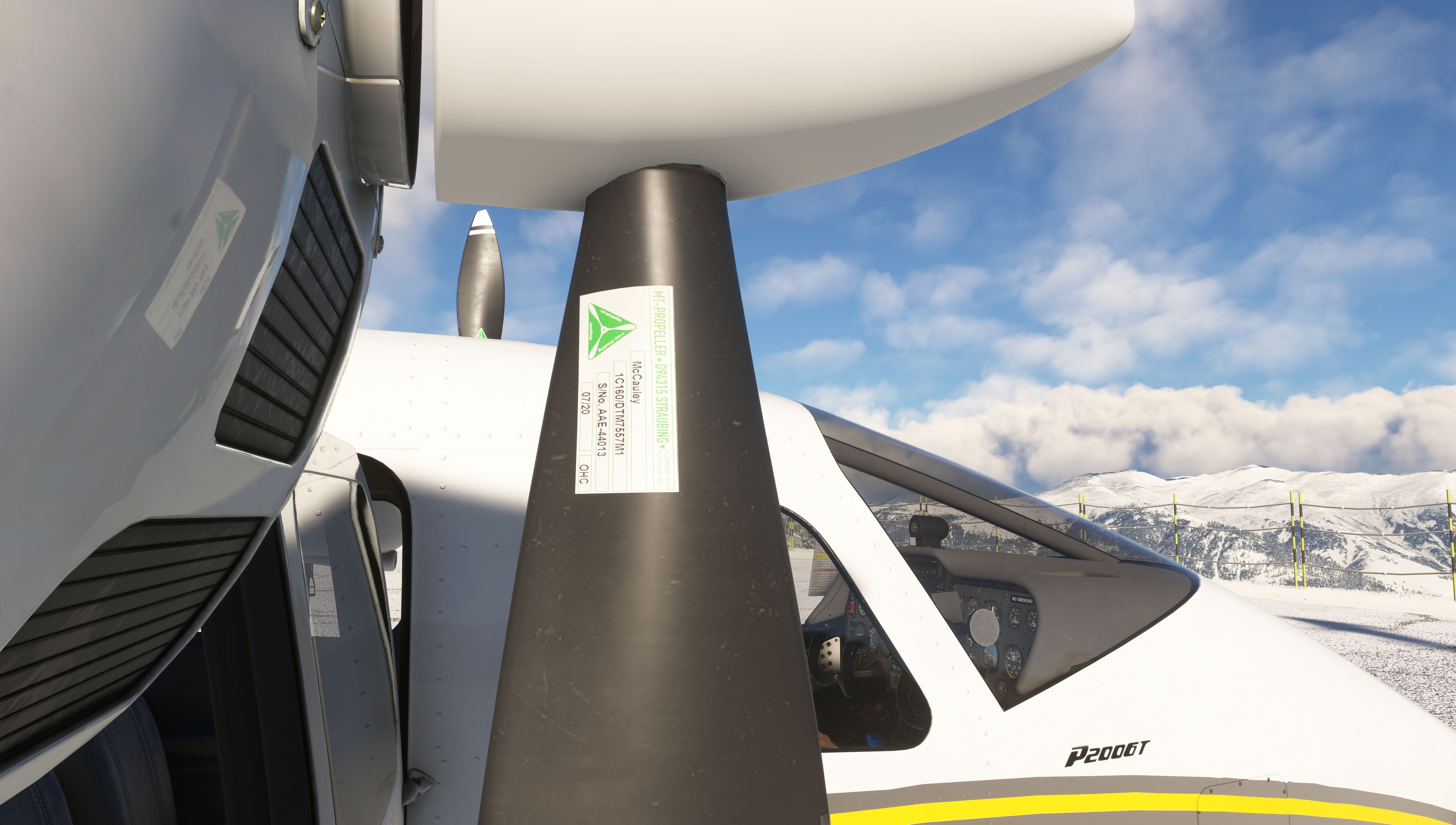
- Highly detailed textures for special clarity including decals
- Numerous animations, including:
- Aircraft doors
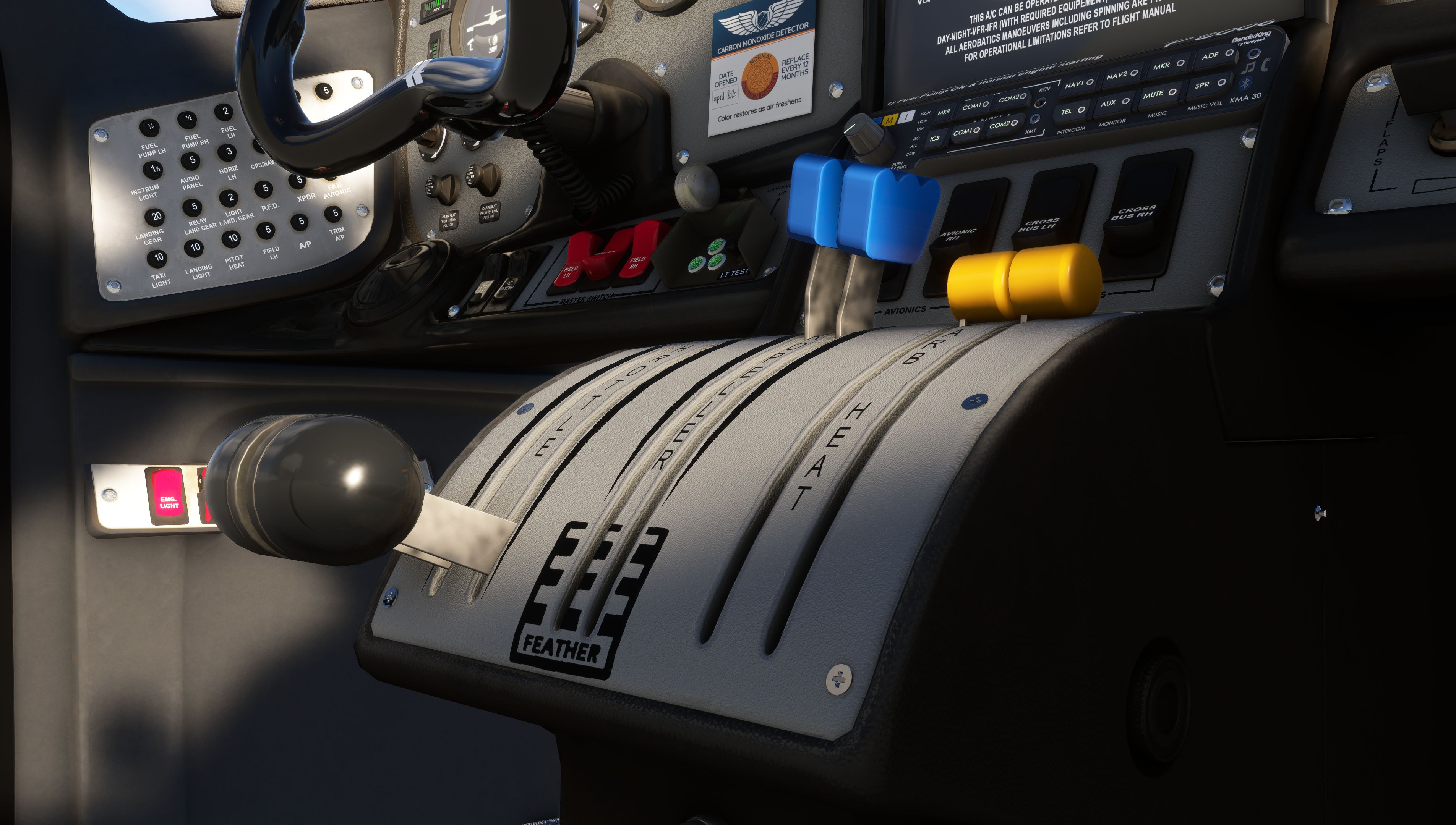
- All cockpit switches, buttons & knobs
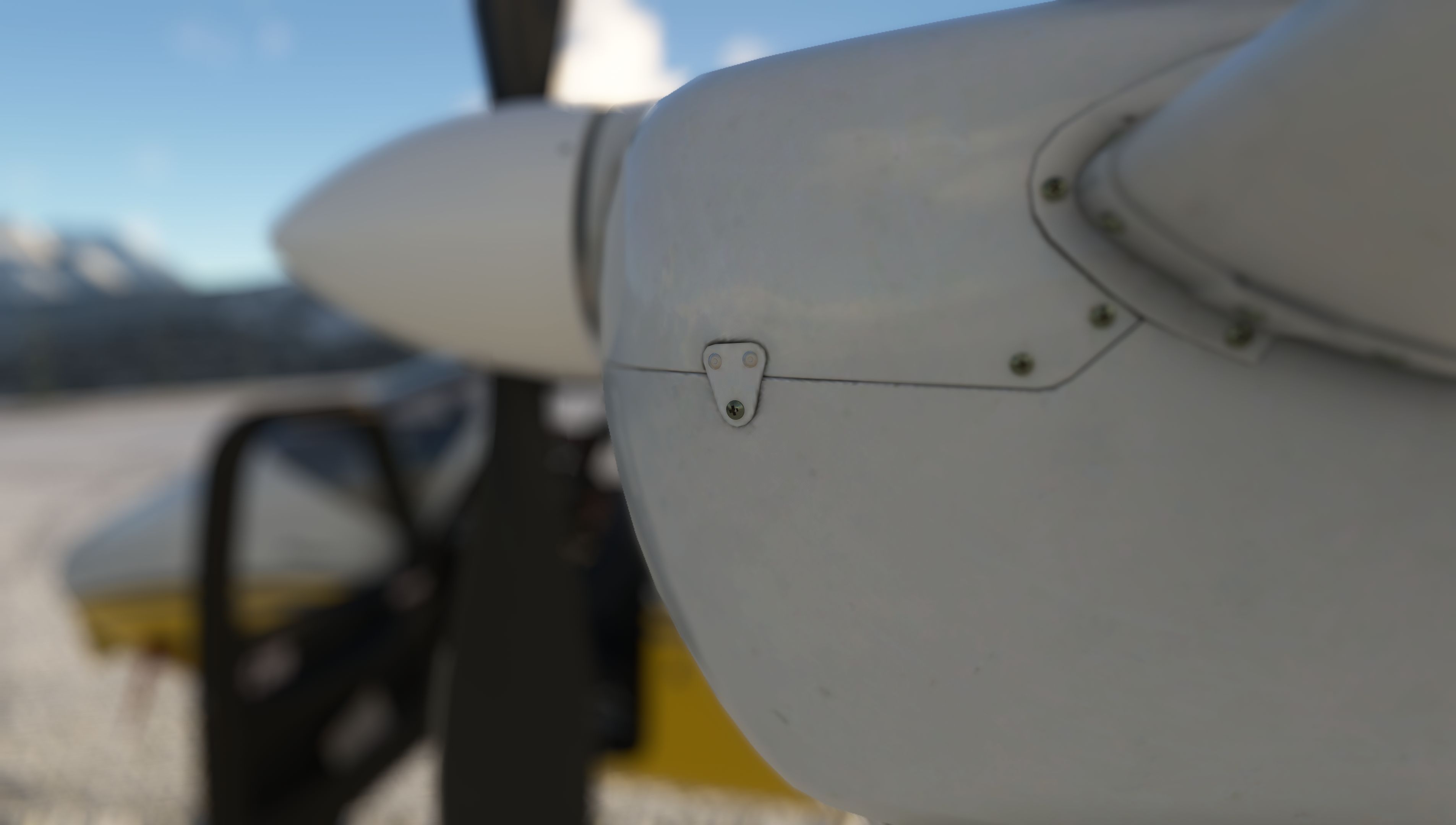
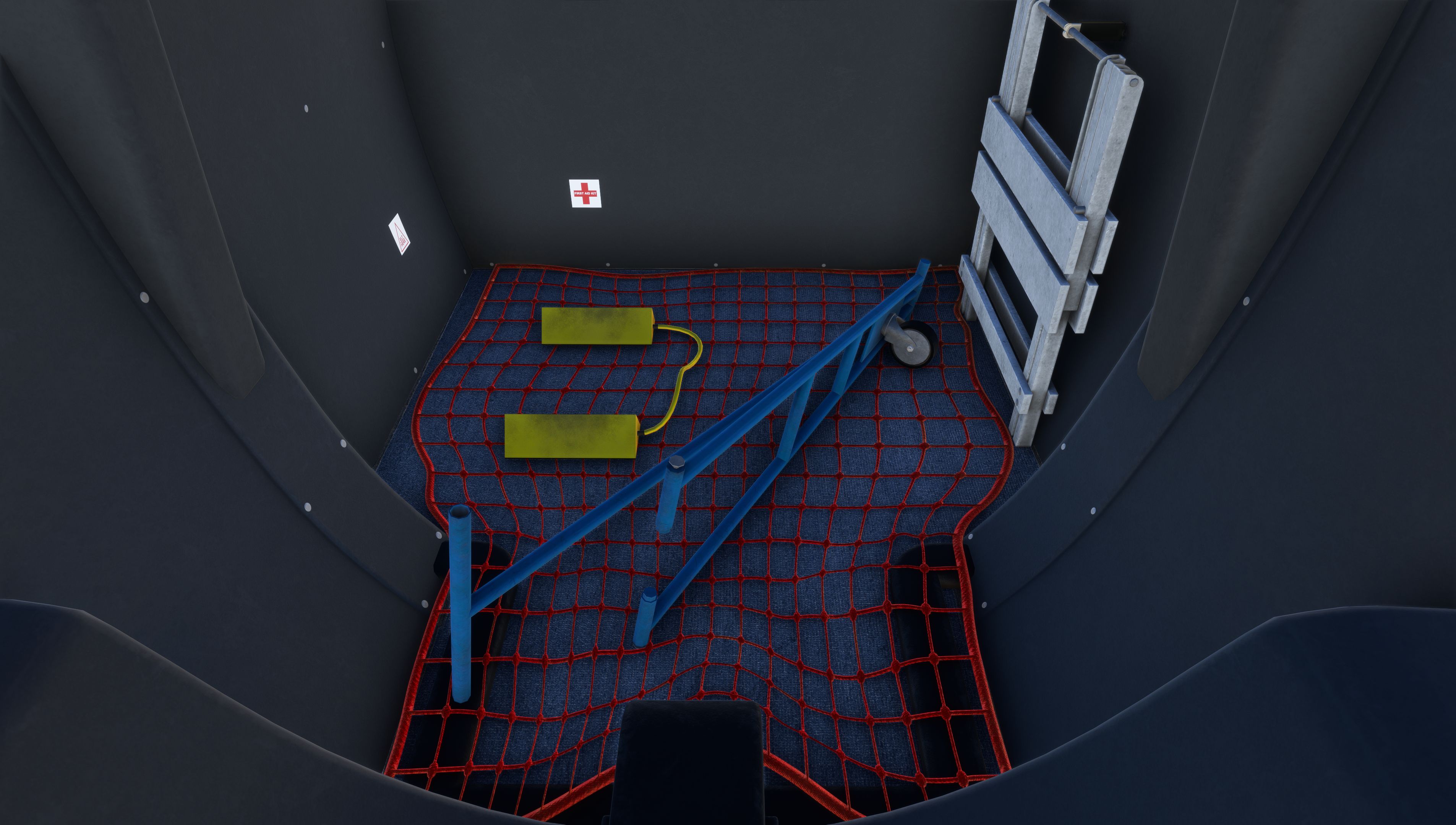
- Walkaround items
- Dynamic load (pax/cargo) depending on aircraft weight
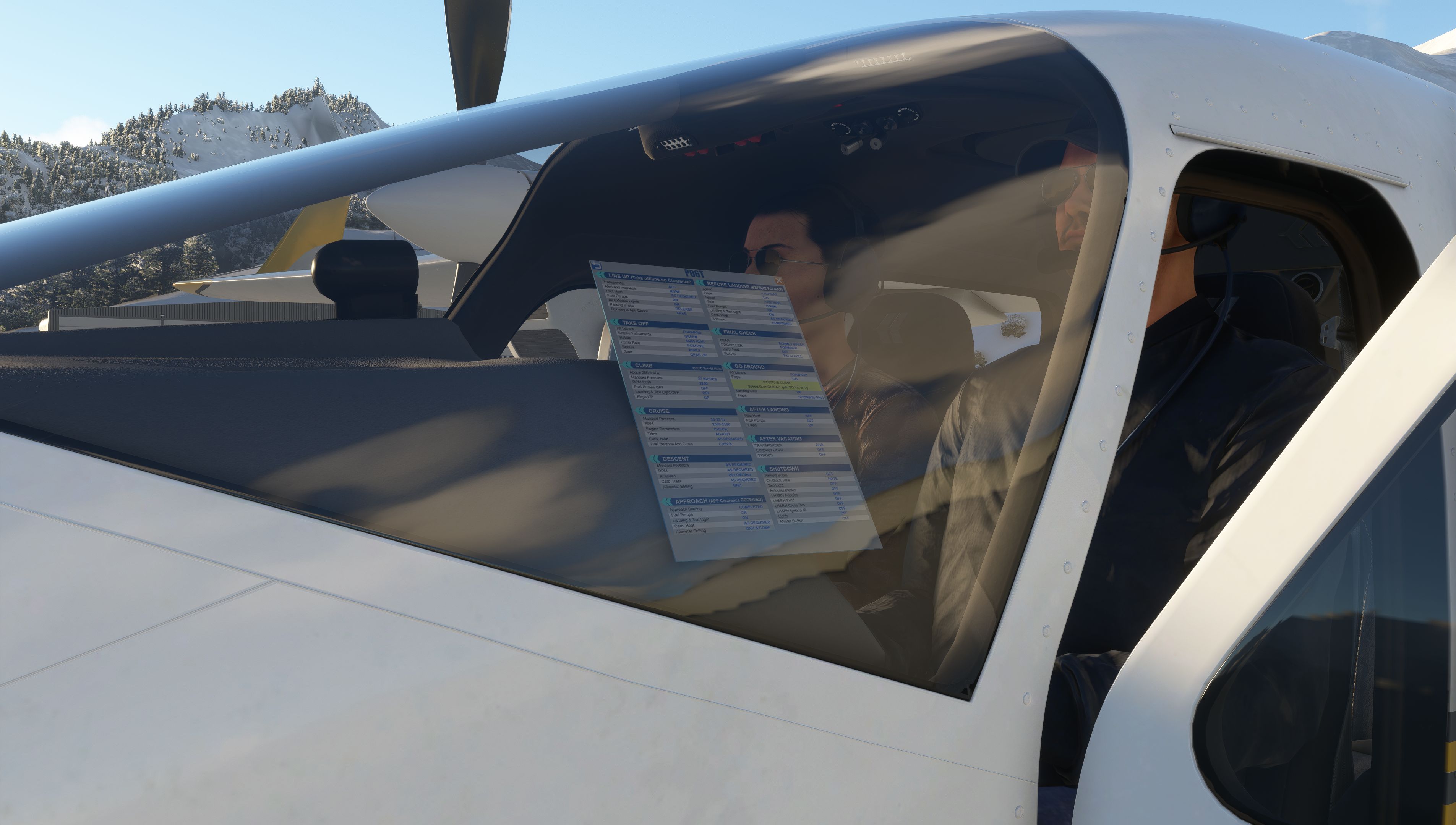
- Paper checklist
- Several real world liveries included
- Integration of native MSFS features like icing & rain effects
Analog instruments with optional GNS430 or GTN, STEC-55X autopilot, and Easy or Realistic modes define how the twin behaves from startup through shutdown.
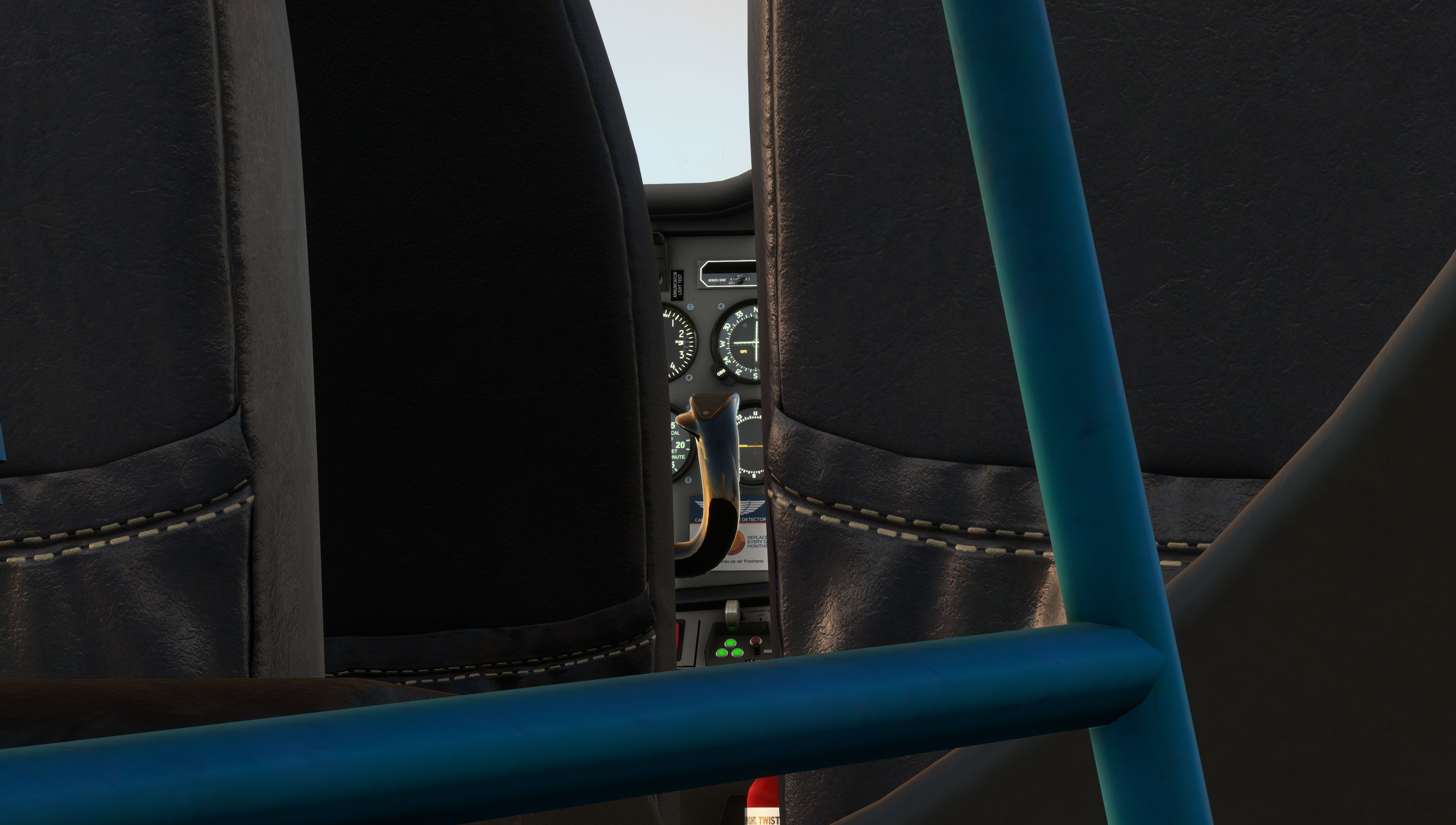
- Analog cockpit instruments
- GNS430 by Working Title or GTN750 by PMS or GTNXi by TDS
- Wasm coded SAM standby instrument
- Custom STEC-55X autopilot
- Easy operation mode
- Default MSFS engine & startup model
- Circuit breakers are disabled
- No persistent state saving
- Realistic operation mode
- All circuit breakers integrated for failure simulation
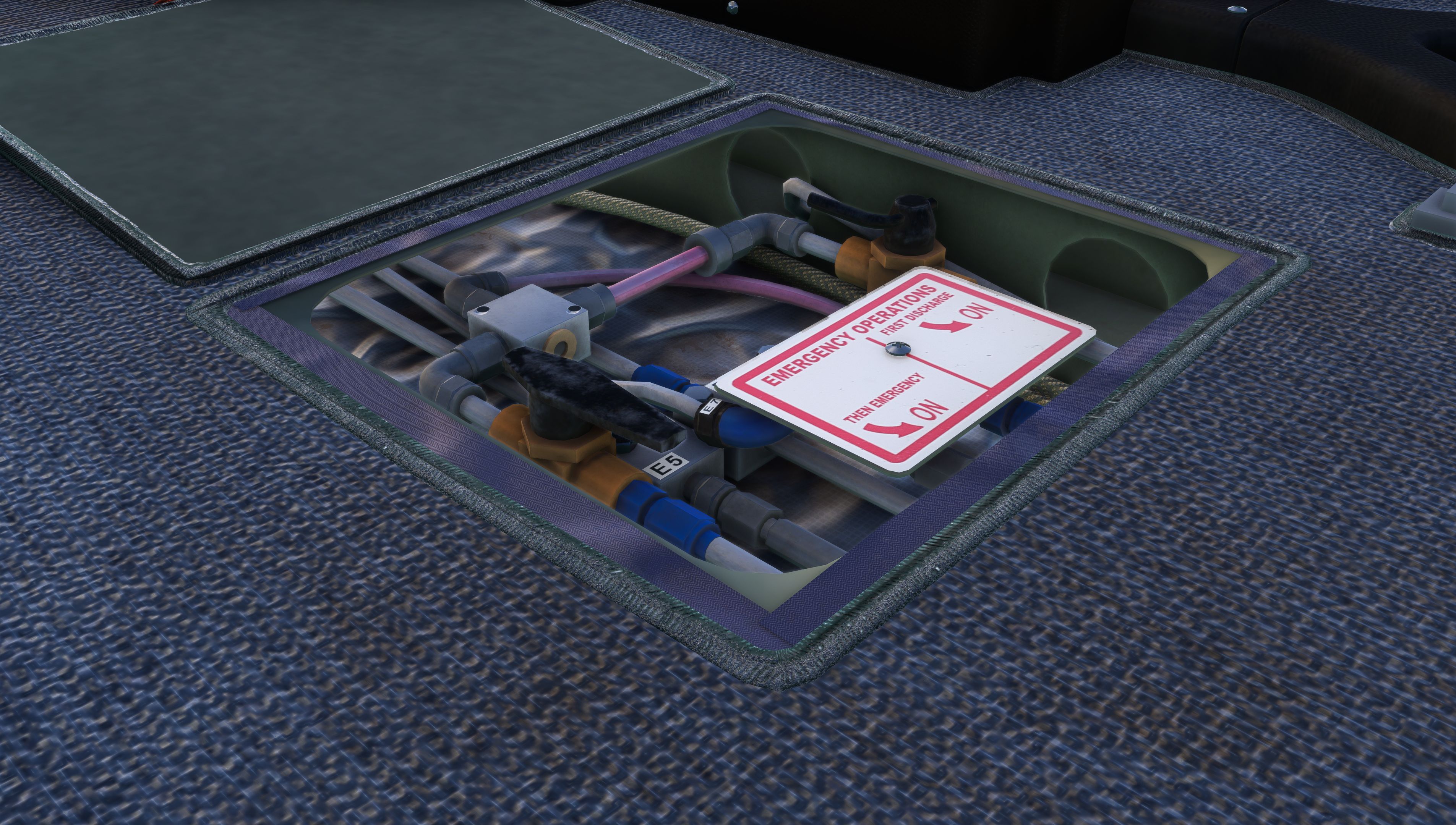
- Emergency Gear Deployment System simulated
- Realistic walkaround required to operate the aircraft
- Custom engine start behavior requires correct Rotax handling
- Persistent saving of aircraft state
Pre-flight setup, walkaround, weight & balance, and panel state all flow through the integrated tablet before every leg.
- Aircraft options
- Ground Power & Engine Pre-Heater Unit
- Moving Map with flightplan
- Weight & Balance settings
- Interactive Walkaround
- Panel State loading
- Navigraph Charts
Real Rotax recordings shape engine, prop, and ambient sound — so the twin feels alive in the headset or on speakers.
- Entire soundscape based on real recordings
- Typical Rotax engine
- Various ambient sounds
- Noise-cancelling headset option
Frequently Asked Questions
Quick answers on compatibility, activation, Analog vs MKII, avionics options, and support for the Tecnam P2006T Analog.
Not yet. The current Tecnam P2006T Analog is built for Microsoft Flight Simulator 2020 on PC and Xbox. We are actively developing a new native MSFS 2024 version — follow our news or sign up for the newsletter for updates.
Install via Aerosoft One or the Contrail app. When you load the P2006T for the first time, enter your 64-digit serial key from your shop account or installation client.
The Analog cockpit supports the GNS430 by Working Title, GTN750 by PMS, or GTNXi by TDS — pick the avionics stack that matches your training or airline SOPs.
Choose Analog for steam-gauge IFR and traditional twin training. Choose the MKII for a G1000 NXI glass cockpit. Own one already? Upgrade pricing is available at Aerosoft and Contrail when buying the other variant.
Yes. The P2006T Analog is optimized for native use on Xbox and PC — no separate purchase required for console.
Join our Discord server to report issues and talk with the team. You can also reach us via the contact form on flightsim-studio.com.
Comprehensive Documentation
Everything you need to fly the P2006T is in our online manual — checklists, system reference, performance data, quick-start tutorial, and FAQs. Developer resources including the paint kit are there too.
Open the Tecnam P2006T Analog documentation →
Start with the Quick Start Tutorial or browse the full FAQ.